Your service manager is reviewing another AI demo while yesterday's calls still lack notes. Technicians have resolved problems, but the PSA tells half the story: incomplete troubleshooting steps, missing time entries, and tickets waiting for someone to ask the client which device failed.
The vendor's demo looks polished. Your question is less exciting: will this work with your PSA boards, phone queues, client permissions, and billing rules without creating another cleanup job?
Most lists of AI tools for MSPs don't answer that. They compare feature names instead of the decisions that determine fit:
- Integration depth. Can the tool write usable records into your existing PSA and handle your actual phone-routing setup?
- Security posture. Who can retrieve client information, authorize changes, and inspect the audit trail?
- Pricing at scale. What happens when call minutes, ticket volume, managed customers, or technician counts increase?
- Workflow change. Can technicians keep working normally, or must you retrain staff and clients?
Growth makes these questions more urgent. Whether new business comes through referrals or pay-per-close outreach for MSPs, additional clients create more intake, documentation, and escalation work.
The platforms below solve different parts of that workload. Some supplement your existing service desk; others change how clients submit requests or replace more of your operational stack. Choose the workflow you need to fix before choosing the platform.
Table of Contents
- 1. Vight
- 2. Thread
- 3. Neo Agent
- 4. zofiQ
- 5. MSP Process
- 6. MSPbots
- 7. CrushBank
- 8. Pia
- 9. SuperOps
- 10. MSPortal
- How the 10 AI Tools for MSPs Compare
- Choosing the Right Fit Without Wrecking Your Service Desk
1. Vight
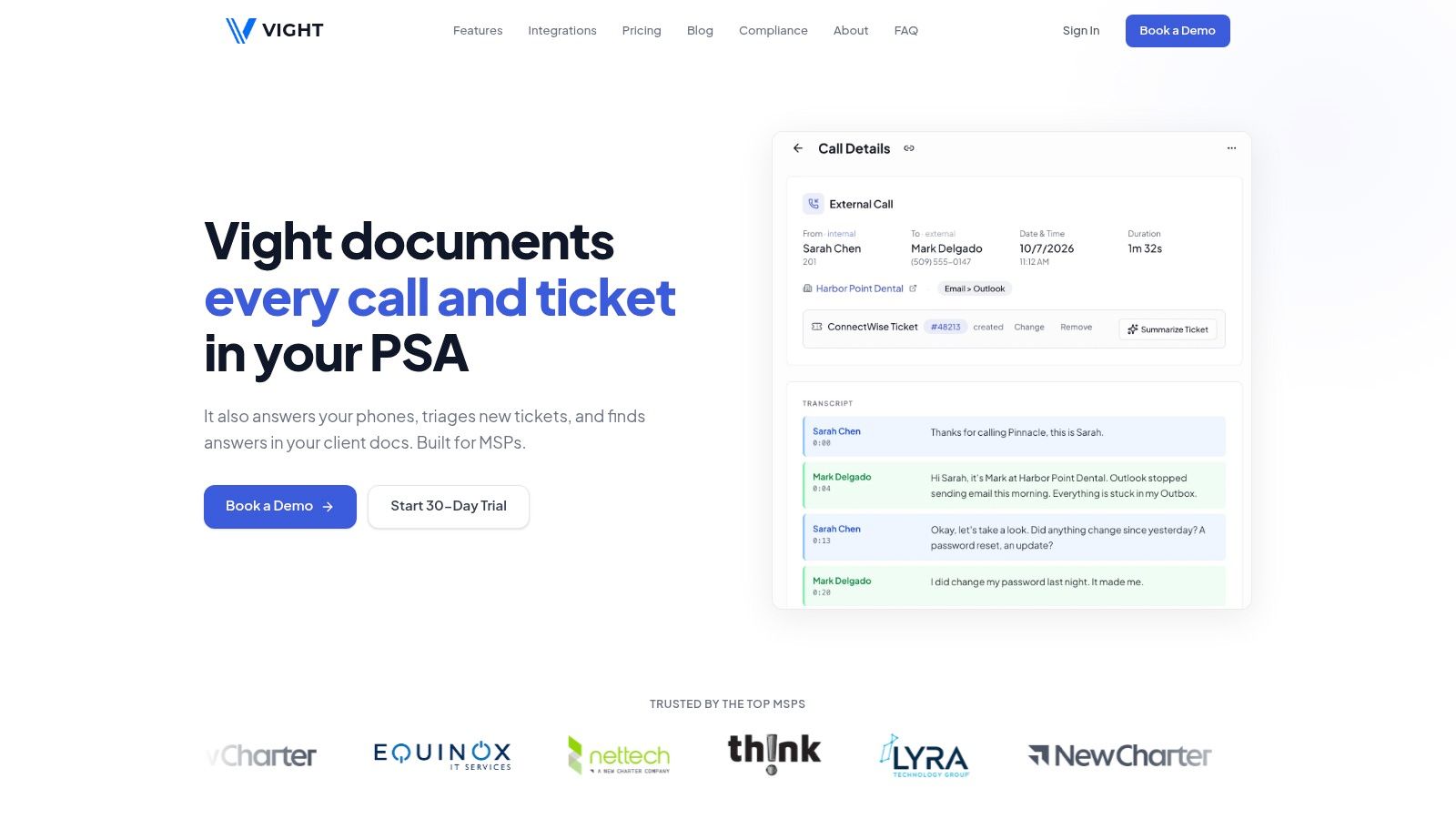
Best fit for call documentation, intake, and client-context retrieval without replacing your PSA. Our platform connects phone systems, tickets, and documentation so technicians can take calls normally while structured notes and time entries post in the background.
Call records include speaker identification, the issue, troubleshooting steps, and resolution. Ticket agents request missing details, categorize requests, rewrite titles, identify duplicates, and flag urgency or frustration; the phone agent supports business-hours intake and after-hours handoffs.
Integration depth and operating limits
We integrate with ConnectWise, Autotask, HaloPSA, and Syncro, alongside Teams, Slack, SharePoint, IT Glue, and Hudu. Technicians can retrieve answers from connected client information with source citations, rather than relying on an unsupported generated summary.
Board coverage matters. Our read-only MCP connector returns ticket results only from PSA boards with Ticket Indexing enabled, and checks member status, permissions, and access on every request.
- Security. We're SOC 2 compliant, use AES-256 encryption at rest and TLS in transit, and separate each MSP's data. Data returned through our MCP connector is processed under the terms of the AI provider the user selects.
- Pricing. Our Scale plan costs $1,650/month for 20,000 credits, around 13,000 tickets per month, with unlimited users and all AI agents. Enterprise arrangements include custom credit volumes, SLAs, and dedicated onboarding.
- Adoption. Background call documentation requires less technician behavior change than moving the service desk. Screen-based work capture and agent resolution are identified as beta capabilities.
The trade-off is usage budgeting. An agent processing a ticket counts toward usage, so choose boards and agents deliberately rather than enabling everything immediately.
2. Thread
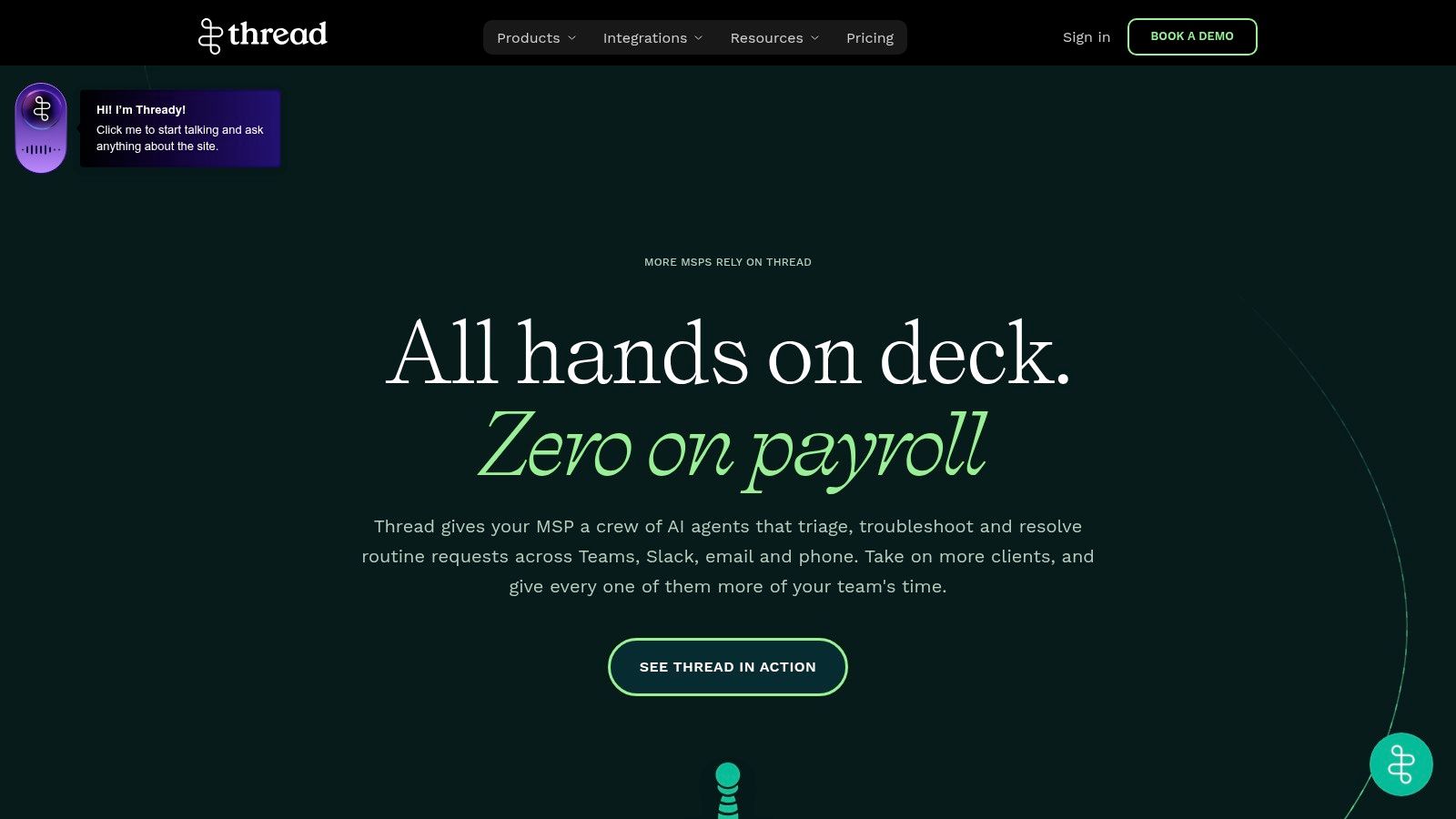
If clients already ask for help through Teams and Slack, Thread deserves a test. Its service-management approach brings requests from collaboration tools, email, chat, and phone into AI-assisted triage and support workflows.
That's useful when your real problem is fragmented communication rather than missing technical capability. The risk is adding another conversation surface without making the PSA record authoritative.
Public plans are listed at $19 or $34 per managed customer per month, with a 60-day money-back guarantee, according to Thread's plan information. Chat and voice AI options require attention to plan inclusions, with voice positioned as an add-on to Pro.
Test the handoff, not just the chat
Run a request that starts in Teams, moves to a technician, and finishes in the PSA. Inspect whether attachments, conversation history, status changes, and ownership remain understandable.
- Integration fit. Validate your specific PSA mappings and phone-routing requirements, not merely whether a connector exists.
- Security. Require written answers on client identification, collaboration-channel permissions, retention, and access revocation.
- Scale economics. Per-managed-customer billing grows with your client portfolio, even when some customers submit little work.
- Adoption burden. Technicians and clients need clear rules about where conversations continue after escalation.
The advantage is accessible client communication. The limitation is that communication convenience doesn't automatically produce complete, correctly routed service records.
3. Neo Agent
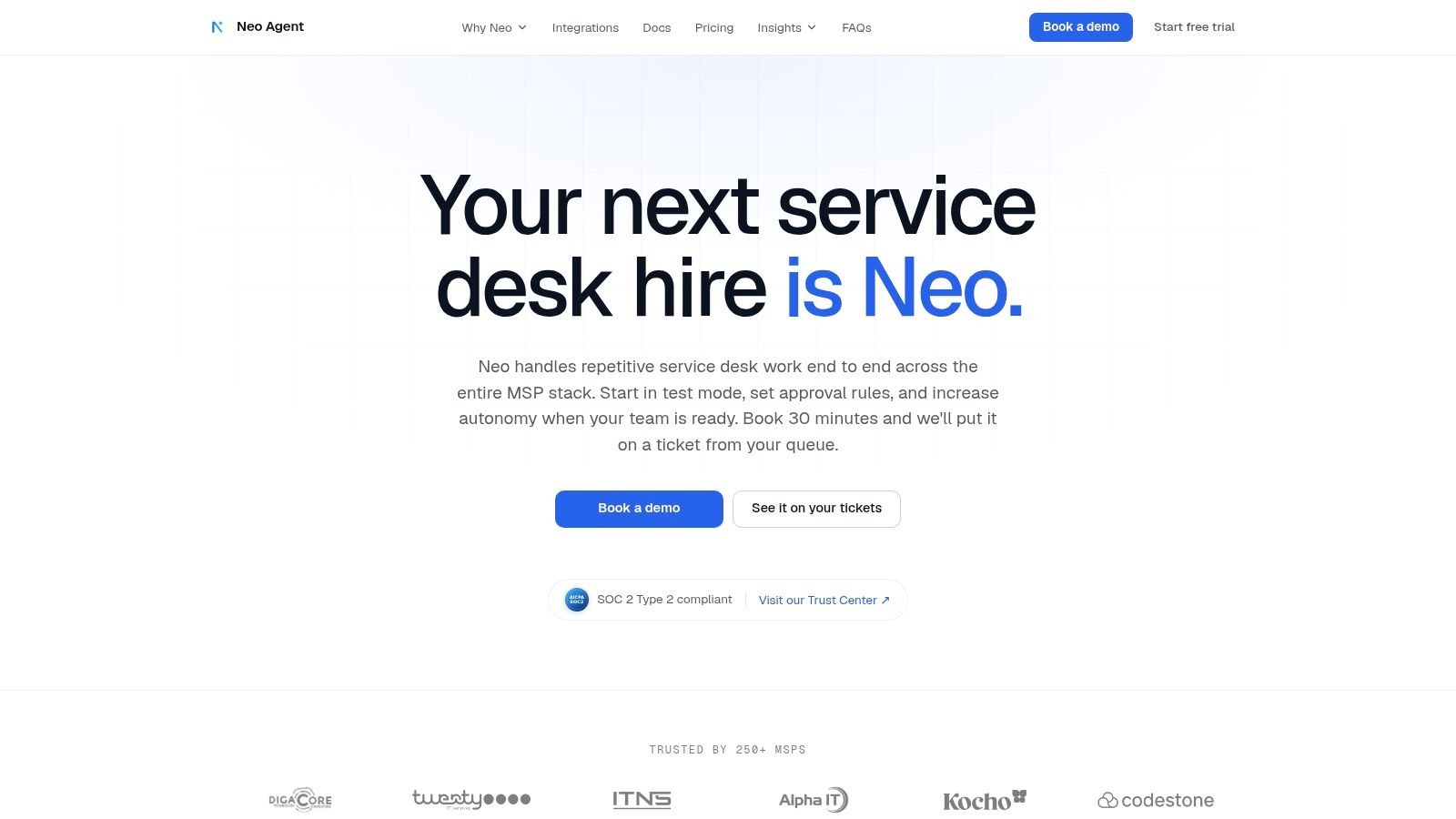
A ticket-routing assistant and an agent with identity-system write access aren't the same purchase. Neo Agent targets the latter category, working across PSA, RMM, documentation, identity, and other connected systems using written instructions and scoped permissions.
Its appeal is cross-system execution: triage, dispatch, routine resolution, and scheduled operational work. Teams interaction can make the agent accessible without requiring technicians to live in another console.
The vendor advertises more than 200 integrations and a 14-day trial without a credit card. Pricing is sales-led, so obtain a proposal that explains usage charges as well as subscription scope.
Practical rule: Grant an agent only the access needed for its next approved workflow, not every permission it might eventually use.
Start in supervised or test mode. A routine onboarding request is a useful evaluation case because it exposes dependencies, approval requirements, and partial-failure behavior.
- Integration depth. Confirm the exact supported actions inside each connector.
- Security. Separate read permissions from write permissions and test rejected actions.
- Pricing behavior. Clarify whether retries, scheduled tasks, and unsuccessful actions consume billable usage.
- Workflow change. Someone must own instructions, exceptions, and approval policies.
The broader guide to AI for MSPs helps distinguish assistance from execution. Neo Agent is most compelling when you're ready to govern actions, not just generate better ticket text.
4. zofiQ
ConnectWise standardization is the main reason to evaluate zofiQ. Its focus on service-work agents and PSA-oriented automation makes it more relevant to a ConnectWise-centered operation than to an MSP trying to coordinate unrelated platforms.
ConnectWise announced its acquisition of the company. That makes commercial ownership, support responsibility, and product direction part of the buying decision, not administrative details to resolve after signing.
Ask for a demonstration using your actual board structure, ticket types, statuses, and escalation rules. An agent that works against a clean demonstration board may still need substantial configuration for your service operation.
Buy the current product, not the roadmap
The potential benefit is tighter alignment with ConnectWise workflows. The limitation is concentration: that alignment matters less if your organization uses another PSA or expects broad phone-system orchestration.
- Integration depth. Identify which ticket fields and actions are supported today, and which require additional ConnectWise products.
- Security posture. Establish the service account's scope, action logs, approval boundaries, and client-level restrictions.
- Pricing model. Request a current written quote covering licensing, implementation, support, and dependencies.
- Adoption requirement. Assign an owner to workflow mapping and exception review, even if the agent operates inside the PSA.
Independent customer feedback and current commercial details need validation before commitment. Strategic alignment can simplify purchasing, but it isn't proof that your particular workflow is automated. Test a messy reassignment, a reopened ticket, and an integration failure before considering autonomous changes.
5. MSP Process
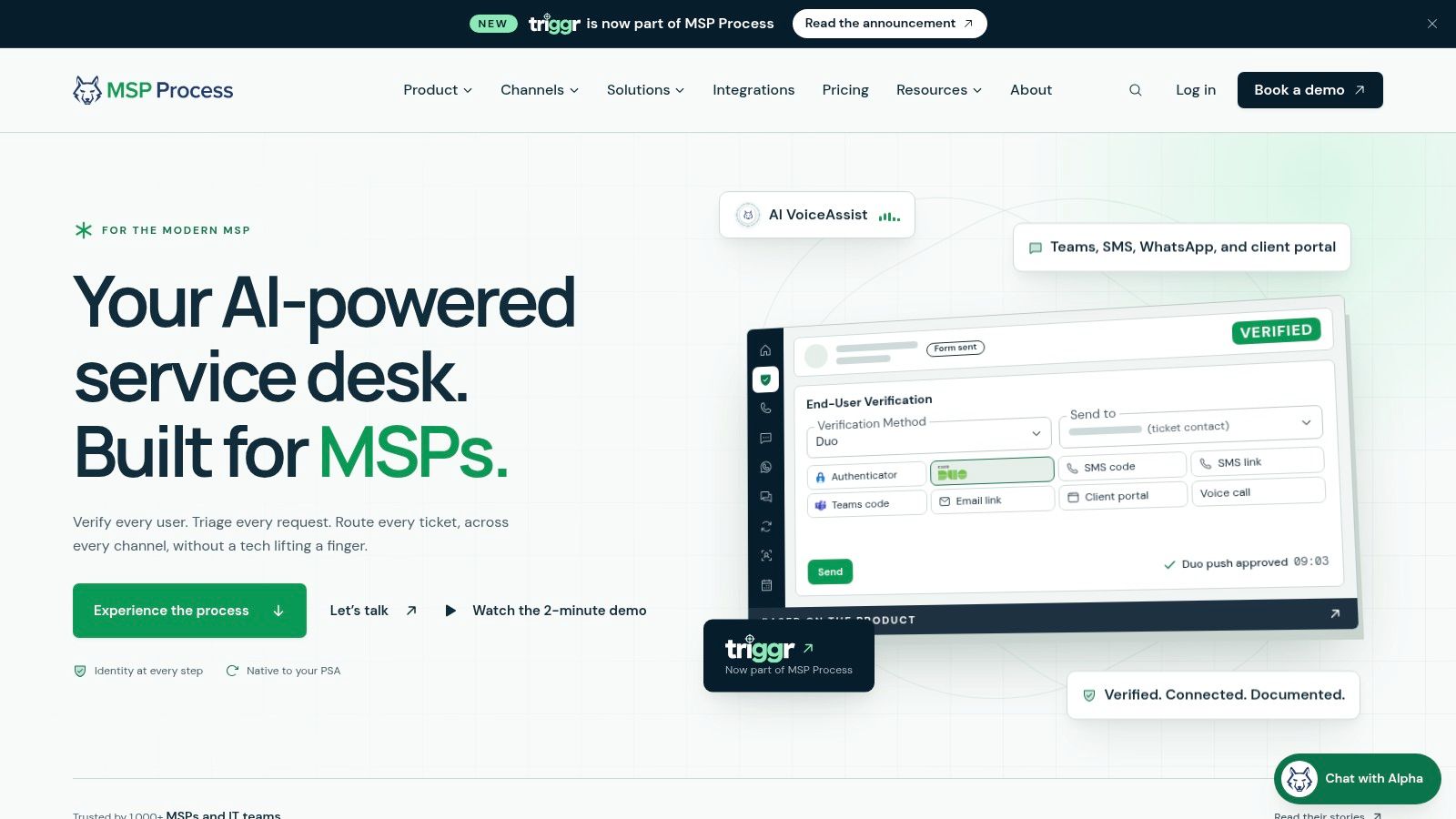
An after-hours caller reports being locked out and asks for an urgent password reset. The intake system needs to capture the request, verify the caller, and route the ticket to the right on-call technician. Each step has a different risk: a clear caller description is not proof of identity, and a ticket is not an escalation plan.
MSP Process combines communication, scheduling, verification, and service-desk automation. VoiceAssist handles intake, verification, ticket creation, and triage. CallScribe provides transcripts, summaries, sentiment analysis, and time-entry support. Its broader offering also includes Teams and SMS communication, on-call scheduling, and password-reset support. That range may fit an MSP with connected communication needs; a team looking only for call summaries may be taking on more than it needs.
Make verification part of the workflow
Define what the agent can collect, which identity checks it can accept, and when a person must take over. A documented MSP standard operating procedure can give staff and the agent consistent rules. Urgency alone does not authorize an account change.
- Integration. Confirm which PSA fields are written, how calls are recorded, how escalation paths are set, and how time entries are handled.
- Security. Check what verification evidence and audit records are retained, including records of failed attempts.
- Pricing. Request a complete quote that separates technician and client volume from any VoiceAssist or CallScribe add-ons.
- Adoption. Plan for configuration across phone routing, on-call ownership, verification rules, and ticket handling.
For infrastructure incidents, website reliability insights for hosting teams can help frame monitoring as a separate source of evidence. Keep monitoring findings distinct from caller descriptions so the on-call technician can tell what is confirmed and what still needs investigation.
6. MSPbots
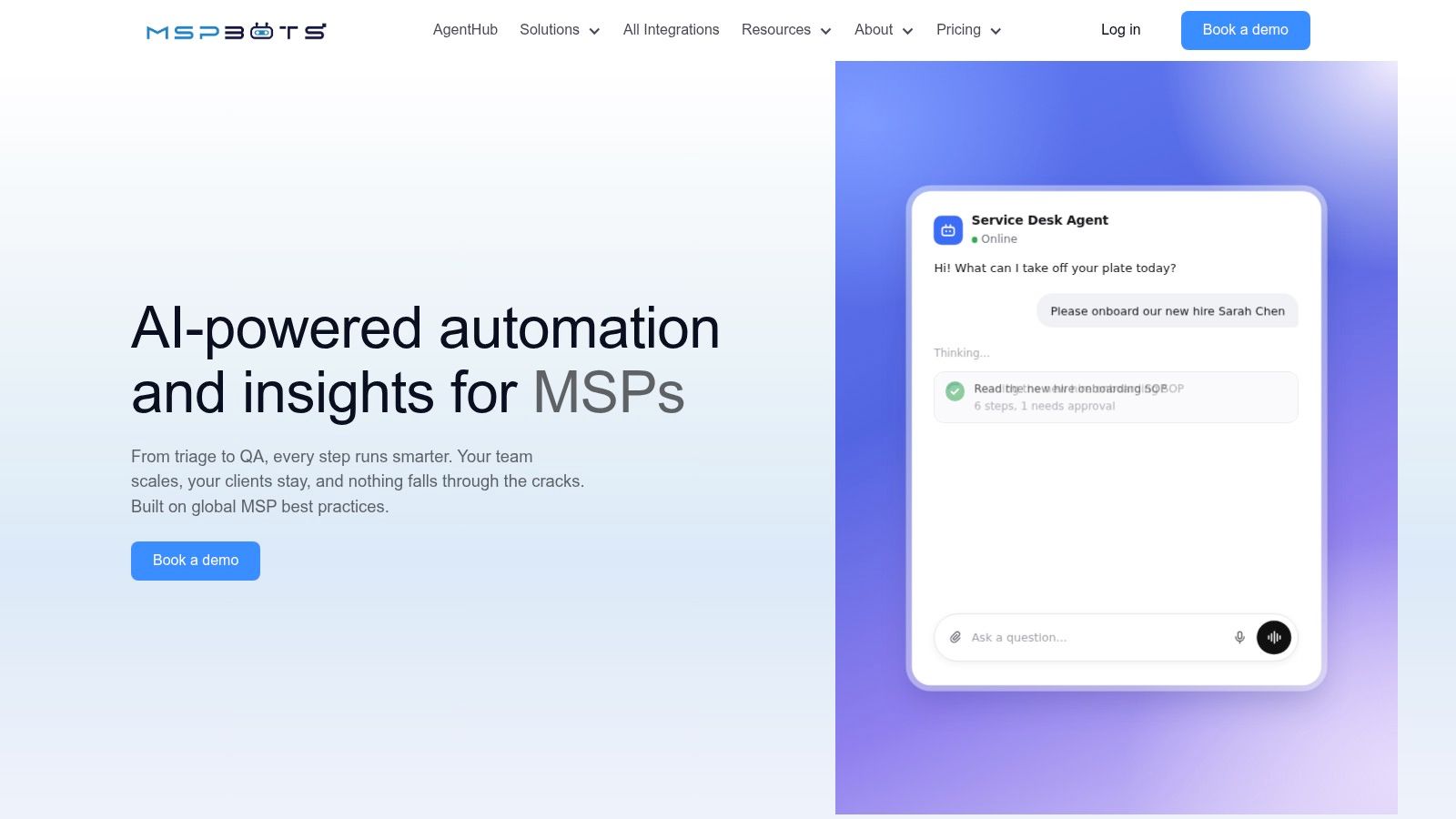
MSPbots makes sense when the operations manager wants both ticket automation and visibility into service-desk performance. It combines business-intelligence dashboards and workflow bots with categorization, spam filtering, duplicate detection, summaries, and ticket-quality review.
That combination can help distinguish a dispatch problem from a documentation problem. A dashboard is useful when it identifies tickets needing intervention, not merely when it produces an attractive weekly report.
Don't assume BI subscriptions include all AI consumption. Some AI actions use separate credit-based plans, so model the enabled actions against your actual ticket mix.
A correctly categorized ticket can still be unworkable. Measure whether the next technician has enough information to begin.
For the integration test, trace a ticket from ingestion through categorization, quality review, and reporting. Confirm how quickly the dashboard reflects PSA changes and how the tool handles duplicate or corrected records.
- Security boundary. Dashboard users shouldn't automatically gain access to every client's underlying ticket content.
- Cost boundary. Identify which actions consume credits and whether repeated processing incurs additional usage.
- Adoption boundary. Give dispatchers a defined response to quality flags rather than another queue to ignore.
The strongest fit is an MSP that will act on operational reporting. If nobody owns ticket-quality remediation, more dashboards won't fix incomplete records. Also verify autonomous-resolution capabilities separately instead of treating all ticket automation as resolution.
7. CrushBank
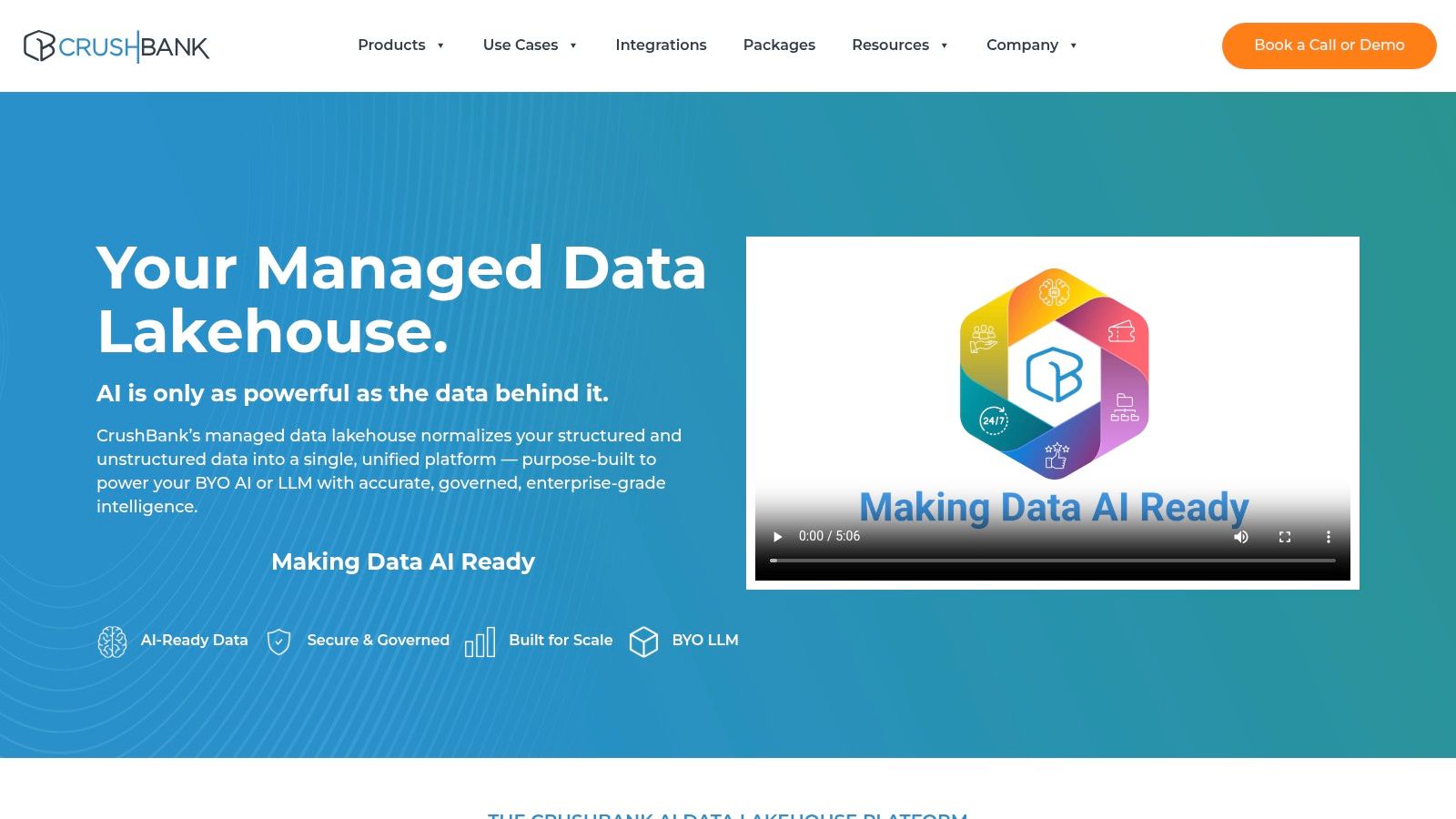
When technicians can't find reliable client context, another ticket-writing bot may address the wrong problem. CrushBank focuses on connecting and normalizing structured and unstructured information for governed AI use.
Its managed data-lakehouse approach is different from buying a phone agent. The goal is a usable information foundation that can support your chosen AI or language model.
That distinction matters because data quality issues were identified as a barrier by 93.3% of MSP respondents across North America and Europe in the Lansweeper MSP AI adoption survey. Better prompting doesn't repair conflicting client names, stale configuration records, or missing ownership.
Evaluate the information pipeline
Assess source ingestion, client identifiers, update frequency, deleted-document handling, and permission inheritance. Phone-system connectivity matters here primarily as a potential information source, not as evidence of native call handling.
- Best trade-off. A governed foundation may support several AI use cases and preserve flexibility in model choice.
- Implementation cost. Data cleanup and access mapping require named owners.
- Commercial uncertainty. Obtain pricing for connectors, data volumes, ongoing management, and model-related charges.
- Security test. Attempt retrieval as users with different client permissions and inspect the resulting evidence.
Choose CrushBank for a knowledge-access problem, not an immediate after-hours coverage problem. It's a less direct fit when your requirement is an out-of-the-box voice agent or automated ticket intake.
8. Pia
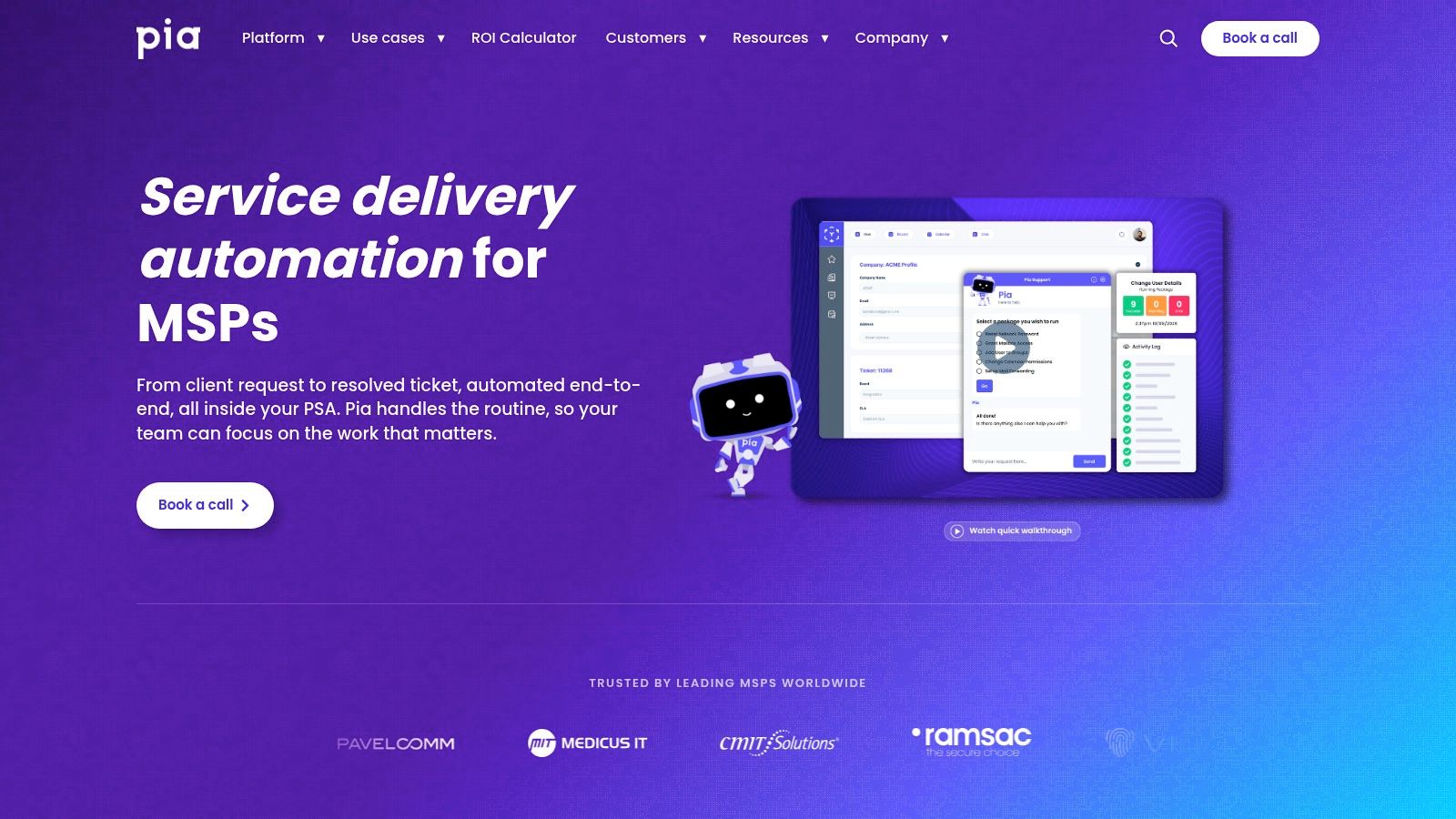
Recurring service requests are the logical testing ground for Pia. Its help-desk automation includes ticket triage, prebuilt workflows, SmartForms, automated time logging, and ticket closure.
The attraction is repeatability. If your team handles a request consistently, a prebuilt automation may reduce the work required to implement it.
The limitation is equally practical: your policies and integrations determine whether a workflow is safe to execute. A familiar request title doesn't prove that the requester is authorized or that the target account is correct.
Test exceptions before expanding coverage
Use a common request with a documented approval path. Then introduce an ambiguous user, missing approval, unavailable endpoint, and failed downstream action.
- PSA and phone fit. Confirm ticket creation, status transitions, notes, and identity or endpoint actions; don't assume voice intake is included.
- Security fit. Require approval gates for sensitive changes and an audit trail showing the executed actions.
- Pricing fit. Obtain current subscription and implementation pricing, including any limits on workflows or consumption.
- Adoption fit. Assign someone to maintain automation rules when client policies or tools change.
Customer stories can help identify plausible use cases, but your own ticket history should determine expected coverage. Automated closure is only a benefit when the request is resolved and the record explains what happened. A failed workflow should produce an actionable technician handoff, not a misleading success status.
9. SuperOps
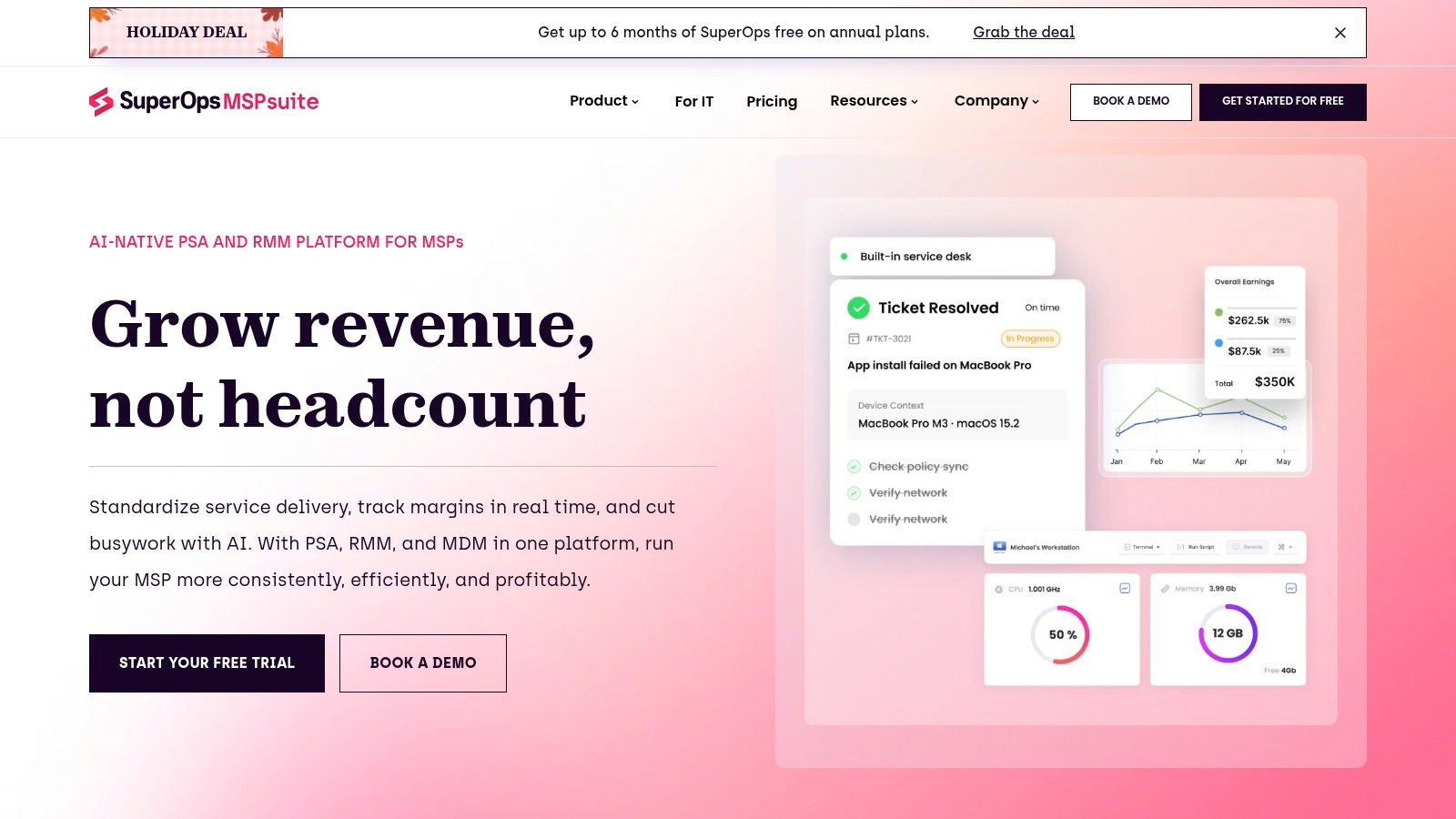
SuperOps belongs in a different buying conversation. It combines PSA and RMM capabilities, with AI-assisted ticket triage, knowledge intelligence, device-aware ticketing, and service-management automation inside the platform.
That can reduce tool switching when technicians need ticket and endpoint context together. It also means adoption may involve replacing operational systems rather than adding an assistant.
Evaluate it as a platform decision first and an AI decision second. A broader MSP software evaluation should include contracts, billing, device management, reporting, documentation, and integrations alongside AI features.
Migration warning: Include the labor of moving records, rebuilding workflows, and retraining staff in the purchase comparison.
The integration advantage is access to native service-management data. The corresponding risk is assuming your existing phone system, specialist tools, and reporting processes will transfer without compromises.
- Security review. Examine technician roles, client boundaries, endpoint-action permissions, and administrative audit logs.
- Pricing review. Confirm the quoted plan includes the AI capabilities you demonstrated and identify additional module charges.
- Workflow review. Map dispatch, escalation, time entry, billing, and device-management changes before migration.
SuperOps is most relevant when your current PSA/RMM arrangement already needs reconsideration. Replacing a functioning stack solely to obtain ticket summaries is difficult to justify. If consolidation is a strategic goal, however, its platform approach deserves a more substantial pilot than a standalone AI add-on.
10. MSPortal
Incomplete intake often starts before a technician opens the ticket. MSPortal addresses that point through a branded client portal with AI-assisted request-form selection and follow-up questions.
Clients describe the problem in plain language, then the system gathers information through a relevant form. PSA synchronization supports ConnectWise, HaloPSA, Autotask, and Syncro, while ticket trends and executive summaries support account-level review.
Public pricing starts at $99 per month for up to five client organizations, with custom pricing above 400 organizations, and includes unlimited technicians, client users, and AI usage.
Portal adoption is the deciding variable
This is an intake tool, not a substitute for autonomous resolution or phone coverage. Its value depends on whether clients will use the portal and whether the resulting requests reach the correct PSA workflow.
- Integration depth. Test organization mapping, contact matching, required fields, attachments, and status synchronization.
- Security posture. Validate client-user access, organization separation, invitation controls, and executive-summary visibility.
- Pricing behavior. Organization-based tiers are easier to model when client users and AI usage aren't individually metered.
- Workflow change. Account managers need a plan for clients who habitually email technicians directly.
Use a vague request such as an inaccessible shared folder to test the follow-up logic. The portal should collect actionable context without making the client diagnose the fault. If clients abandon the form or submit the same issue by email, you've added friction rather than improved intake.
How the 10 AI Tools for MSPs Compare
A tool can fit your PSA and still fail operationally if its pricing scales poorly or its workflow requires technicians to change established habits. Compare each option across four decisions: PSA and phone-system integration, security, pricing at your expected volume, and the workflow changes required for adoption.
| Item | Best for | Pricing model | PSA integration | Standout capability |
|---|---|---|---|---|
| Vight | MSPs automating technician documentation and call intake | Scale: $1,650/month for 20,000 credits | ConnectWise, Autotask, HaloPSA, and Syncro | Transcribes and summarizes calls, then posts structured notes and time entries to the PSA |
| Thread | MSPs adding AI to an existing service desk | $19 or $34 per managed customer monthly; chat and voice AI may cost extra | Designed for MSP service-desk workflows | AI-assisted triage across multiple client-contact channels |
| Neo Agent | MSPs seeking agents that act across a varied tool stack | Contact vendor; 14-day trial advertised | Vendor lists over 200 integrations, including major MSP systems | Scoped permissions and staged autonomy |
| zofiQ | MSPs standardized on ConnectWise | Pricing not stated | Close connection to ConnectWise PSA | AI agents for PSA service-work automation |
| MSP Process | MSPs prioritizing phone coverage and after-hours intake | Based on technician and client volume; AI features are add-ons | Connects call and ticket workflows with PSAs | Voice intake with caller verification and call documentation |
| MSPbots | MSPs combining ticket automation with operational analytics | BI and bot plans; some AI actions use credits | Complements existing PSA and RMM tools | Ticket automation alongside dashboards and reporting |
| CrushBank | MSPs needing governed access to dispersed organizational knowledge | Contact vendor | Connects and normalizes data across systems | Data foundation for a chosen AI or language model |
| Pia | MSPs automating repetitive help-desk requests | Contact vendor | Integrates with service-management tools | Automates triage, time logging, and ticket closure |
| SuperOps | MSPs considering a combined PSA/RMM platform | Plan and AI pricing are not stated | Built into its own PSA/RMM platform | Device-aware ticketing with integrated AI features |
| MSPortal | MSPs improving client ticket intake through a portal | Starts at $99 per month for up to five client organizations; custom pricing above 400 | ConnectWise, HaloPSA, Autotask, and Syncro | AI selects request forms and gathers missing details |
The table shows different trade-offs. Vight supplements an existing PSA, documents calls into it, and uses monthly processing credits. SuperOps combines PSA and RMM functions in its own platform, while MSPortal focuses on client intake. Those differences affect how much system change each option asks of your team.
Security and workflow details also vary. Vight states that it is SOC 2 compliant, encrypts stored data with AES-256 and data in transit with TLS, and keeps each MSP's data separate. For every platform, check how permissions, data access, and write-backs fit your environment, then weigh that against the staff effort required to adopt it.
Choosing the Right Fit Without Wrecking Your Service Desk
Match the purchase to your weakest workflow. Documentation lag calls for background call notes and time entries; missed calls call for voice intake and dependable escalation. Poor submissions point toward structured intake, while scattered knowledge requires governed retrieval and usable source records.
Don't buy autonomous resolution because the demo is impressive if your immediate problem is missing notes. Equally, don't expect summaries to fix requests that require coordinated identity and endpoint actions.
Pilot against your own operating conditions
Use historical calls and tickets that represent routine work, ambiguous requests, frustrated clients, and urgent incidents. Include failed integrations and missing data, not just clean examples.
The NIST AI Risk Management Framework organizes risk management around govern, map, measure, and manage. Apply that operationally: name the owner, document affected systems, measure outputs, and define when automation must stop.
- Measure useful outcomes. Track documentation completeness, technician rework, intake-to-ready time, missed urgency, and incorrect escalations.
- Model actual consumption. Compare credit, technician, customer, and organization-based pricing against your own workload, including retries and add-ons.
- Validate write-back. Inspect PSA board coverage, statuses, categories, time entries, duplicate handling, and billing implications.
- Keep a fallback. Technicians must be able to take over when an agent or connector fails.
Get the security commitments in writing
Require tenant separation, retention and deletion terms, model-training policies, permission inheritance, audit access, and incident responsibilities. Read-only retrieval still creates confidentiality risk if an answer exposes another client's information.
A ManageEngine survey of IT professionals identified governance, data security, and privacy as the leading concern about everyday ITSM agents, at 45%. Treat those controls as acceptance criteria, not questions left for contract renewal.
For our connector, we check permissions on every request and restrict ticket results to indexed boards. That means your pilot should test both authorized retrieval and deliberate attempts to access excluded records.
Supplement-style tools generally carry less adoption risk than a full platform change such as SuperOps, because technicians can retain familiar systems. They still need integration ownership and exception handling.
If you're also considering 24/7 AI chat support, apply the same handoff test: can the next technician understand the request without asking the client to start again? Expand only when the answer is consistently yes.
Vight connects your phones, PSA, and client documentation to automate call records, improve intake, and retrieve cited answers without replacing your service desk. Visit Vight to evaluate these workflows against your own calls, ticket boards, and documentation requirements.