
A technician spends forty minutes working through a client outage on the phone. The reboot sequence works, the user confirms access is back, and the call ends. Then the technician spends another twenty minutes reconstructing it from memory, and the ticket still misses two troubleshooting steps and the exact error the client read aloud.
That's the test for call recording software in an MSP. It isn't whether the audio file exists. It's whether the issue, the steps tried, and the resolution reach the ticket while the details are still accurate, and whether a manager can control who hears that recording later.
The market now treats that as a product category of its own. Grand View Research's contact center as a service data puts the global call recording segment at approximately US$369.5 million in 2024, projected to reach about US$1.0174 billion by 2030 at a 19% compound annual growth rate from 2024 through 2030.
The list below judges each option the same way. Look at recording modes, AI output quality, PSA documentation, integrations, retention, and security and access controls. A clean recording that still leaves your tech typing the write-up hasn't solved the expensive part.
Table of Contents
- 1. Vight Call Intelligence
- 2. RingCentral RingEX
- 3. Dialpad
- 4. Aircall
- 5. 3CX
- 6. Zoom Phone
- 7. 8×8 Call Recording
- 8. Nextiva
- 9. Vonage Business Communications
- 10. NiCE CXone
- How the 10 call recording software options compare on recording, AI output, and PSA documentation
- Choose the Recorder Your Ticket System Can Actually Use
1. Vight Call Intelligence
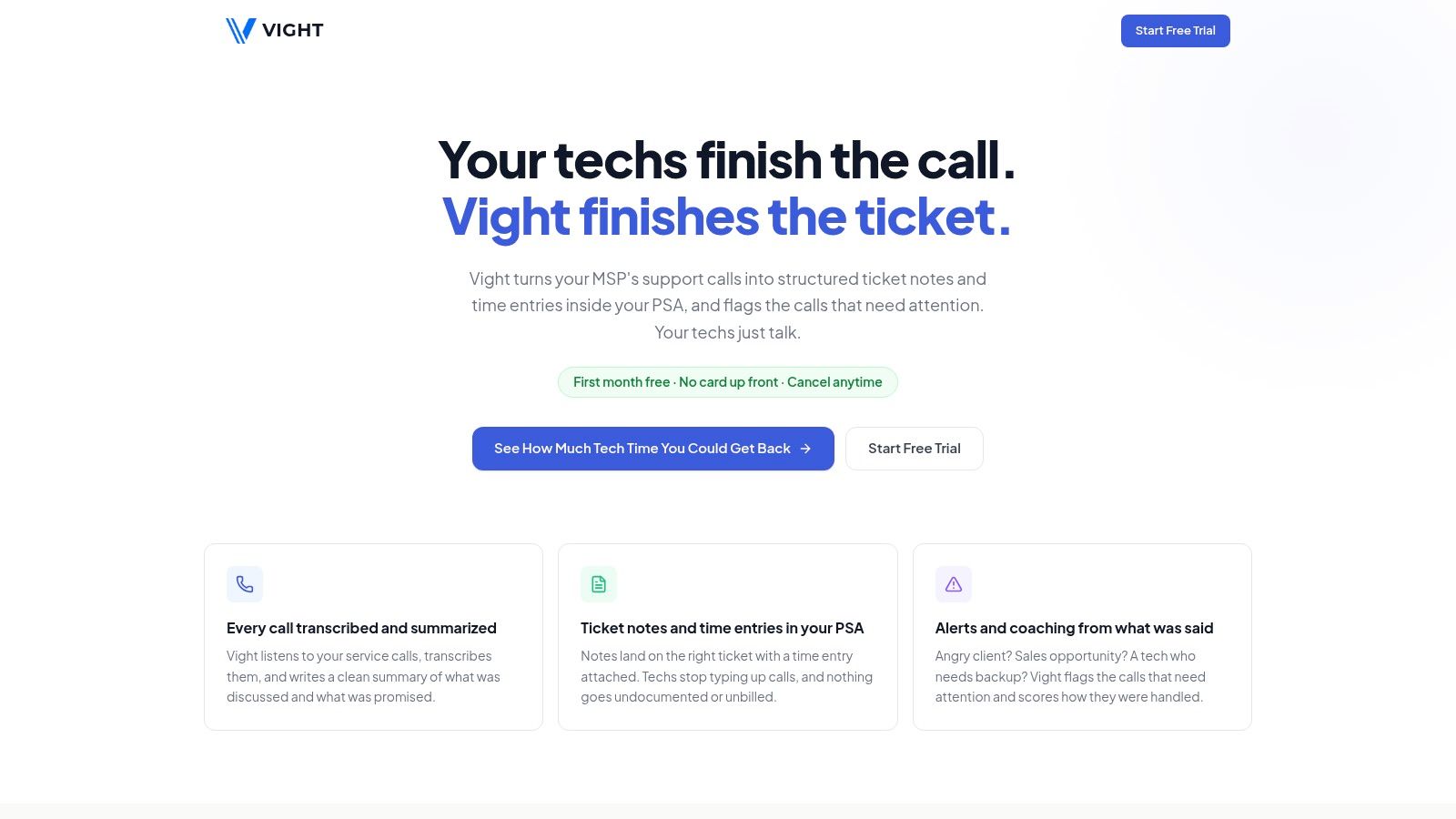
Vight Call Intelligence connects call recording to service-desk documentation. It transcribes calls with speaker identification, then posts a structured summary and time entry to the existing PSA. The write-up covers the issue, steps taken, and resolution, giving the next technician a ticket record to work from without replaying the call.
Technicians handle calls as usual, with nothing new to click. Vight documents them automatically in the background. It connects to ConnectWise, Autotask, HaloPSA, and Syncro, and to phone systems including 3CX, RingCentral, Zoom Phone, Dialpad, and 8×8. Most organizations are up and running within a day.
What happens after the summary lands
Every call also gets sentiment scoring from 1 to 5, critical alerts for outages, and call clarity scoring. Vight can also spot sales opportunities and produce meeting notes with action items and decisions. A typical transcribed and summarized 10-minute call uses about 4 credits. Monthly credit pools include unlimited users, rather than per-seat charges.
This approach reduces manual write-up, but the result still depends on the source audio and the accuracy of the summary. Review notes where nuance or sensitive circumstances matter. For an MSP, the main value is getting the call details and time entry into the PSA, not just storing audio.
2. RingCentral RingEX
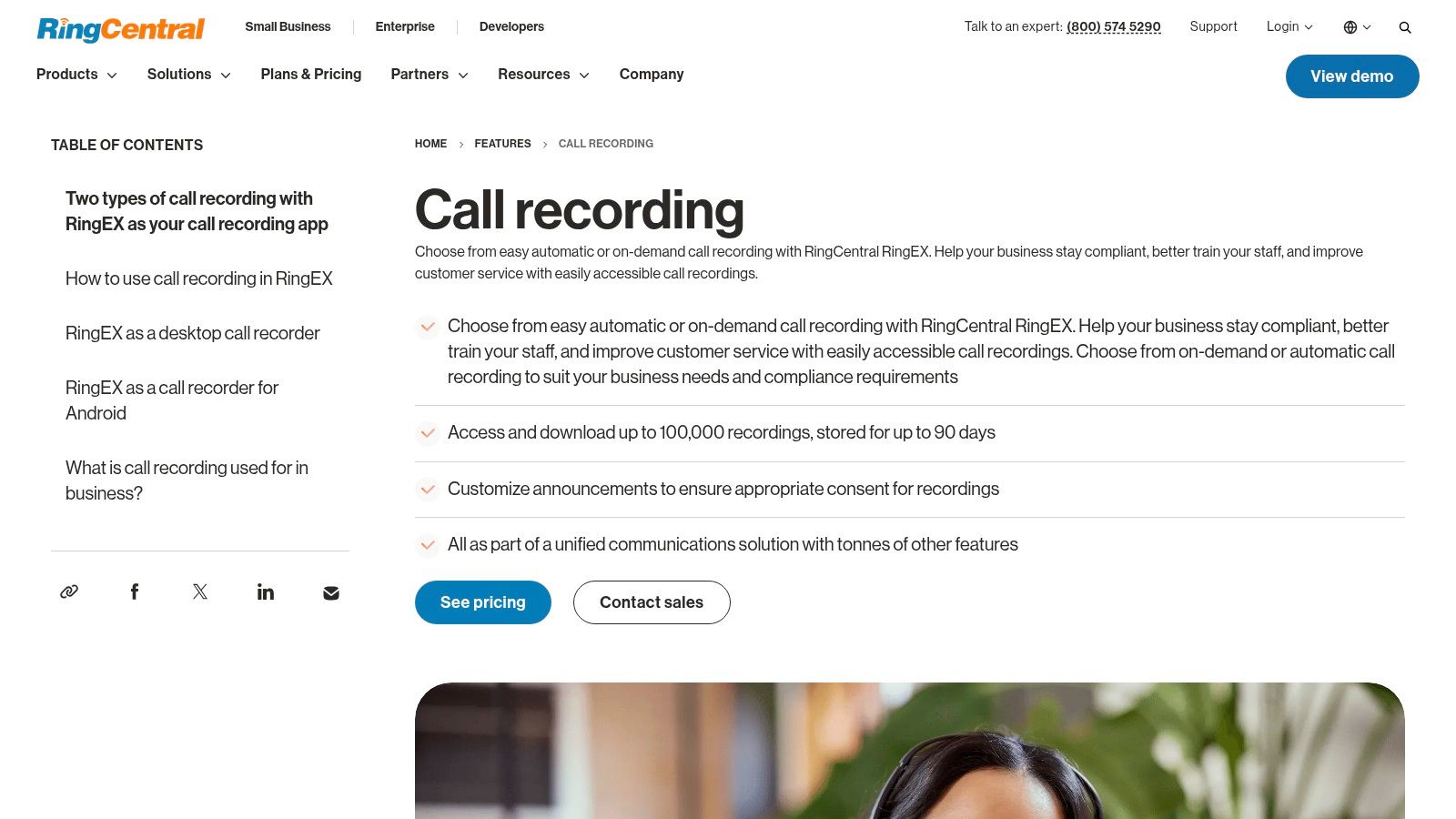
RingCentral RingEX makes most sense when you're already buying, or already running, the phone system. Recording comes in two modes, automatic and on-demand, recordings can be accessed and downloaded, and administrators can customize the caller notification announcement centrally rather than leaving the disclosure to each technician.
That announcement matters more than vendors let on. Federal law under 18 U.S.C. § 2511(2)(d) generally permits recording when at least one participant consents, but the state by state recording law survey reports that 38 jurisdictions, 37 states plus the District of Columbia, follow one-party-consent rules, while 11 states require consent from every party. If your desk takes calls from several states, a configurable announcement isn't polish. It's your control.
Where RingEX stops
You're choosing a unified communications platform, not bolting a recorder onto your current stack. The feature page states recordings are stored for up to 90 days, so check that against your client contracts before you commit, and confirm the plan you're quoted supports the recording mode you want. It records and stores the call well. It doesn't turn that call into a structured ticket note on its own.
3. Dialpad
A dispatcher handling an active escalation can follow Dialpad's transcript as the call unfolds, rather than waiting for a recording to process. Dialpad combines calling, messaging, and meetings with real-time transcription, AI call summaries, action items, voicemail transcription, and call analytics.
Use the transcript as a working aid, not verified ticket data. Speech-to-text tools can capture a call's overall meaning while mishearing names, device IDs, and ticket numbers. A smooth summary may still contain an incorrect identifier, so have a person check those details before they drive ticket assignments or follow-up.
Practical rule: Check names, device IDs, and priority before they enter a ticket.
Dialpad publishes per-user pricing, which can help with an initial comparison but may not fit every MSP's seat mix. Confirm transcript retention and whether the integrations support your PSA workflow. For a separate route to asking questions across calls and tickets, review Vight's AI assistant integrations.
4. Aircall
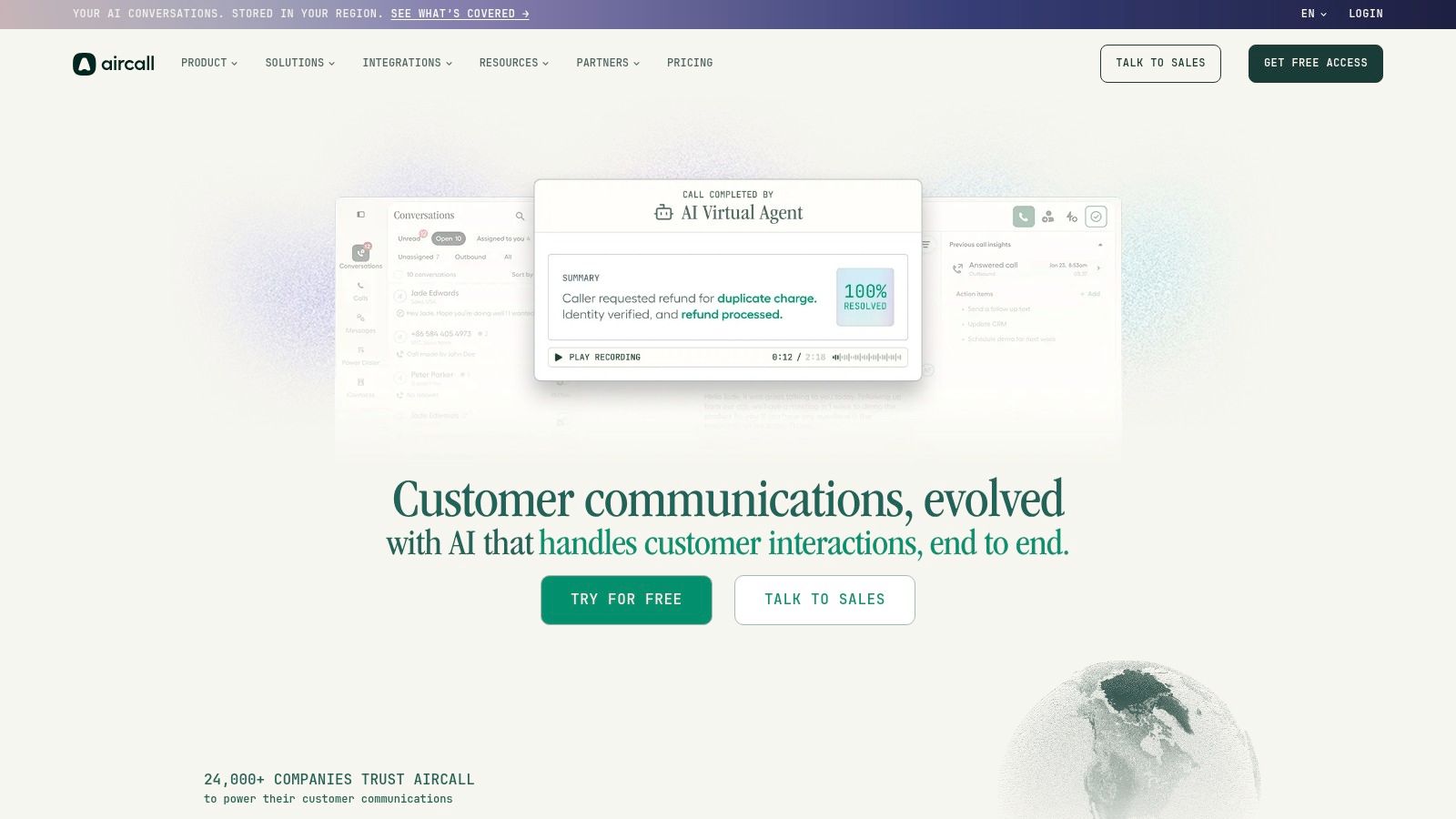
Aircall keeps recordings, transcripts, and AI output together. Its Conversation Center collects recorded conversations for review, while AI Assist adds summaries and conversation topics to desktop and mobile calling. That makes call review straightforward, but a summary still needs to reach the ticket before it reduces technician write-up.
Transcript quality needs a check. A 2025 research paper on speech recognition disparities reports word-error rates of roughly 5 to 20% across leading systems, with errors 1.1 to 3.4 times higher for Black American English speakers and 1.2 to 2.2 times higher for non-native English speakers. Background noise and overlapping speakers can also make transcripts harder to rely on.
Test Aircall with representative calls, then confirm how its summaries fit your PSA workflow. Recording access and analytics vary by plan, and AI Assist is priced separately from the base subscription. AI Assist's summaries are described for English calls, so confirm language support first if your client base is multilingual. A useful review interface does not remove the manual step if staff still have to copy the summary into a ticket.
5. 3CX
3CX is the control option. 3CX can be hosted by 3CX or self-managed in your own cloud environment, and its licensing is based on system capacity rather than per user, which suits MSPs that are comfortable administering telephony and want predictable costs as headcount shifts.
The recording toolkit is broad. You get recording permissions you can configure per user or group, queue monitoring, and listen-in, whisper, and barge for supervisors coaching a live call. Transcription and summaries are available through configured AI services, depending on licensing and setup.
- Deployment control: Host it yourself and keep recording storage where you want it.
- Supervision depth: Whisper and barge help a lead rescue a call without taking it over.
- Licensing shape: Capacity-based pricing avoids paying per named seat.
The cost of that control is your own labor. Self-hosting and detailed configuration require technical administration, transcription depends on how you license and configure it, and a turnkey PSA ticket-documentation workflow isn't established. If your team already runs 3CX well, that's manageable. If nobody wants to own a phone system, it isn't.
6. Zoom Phone
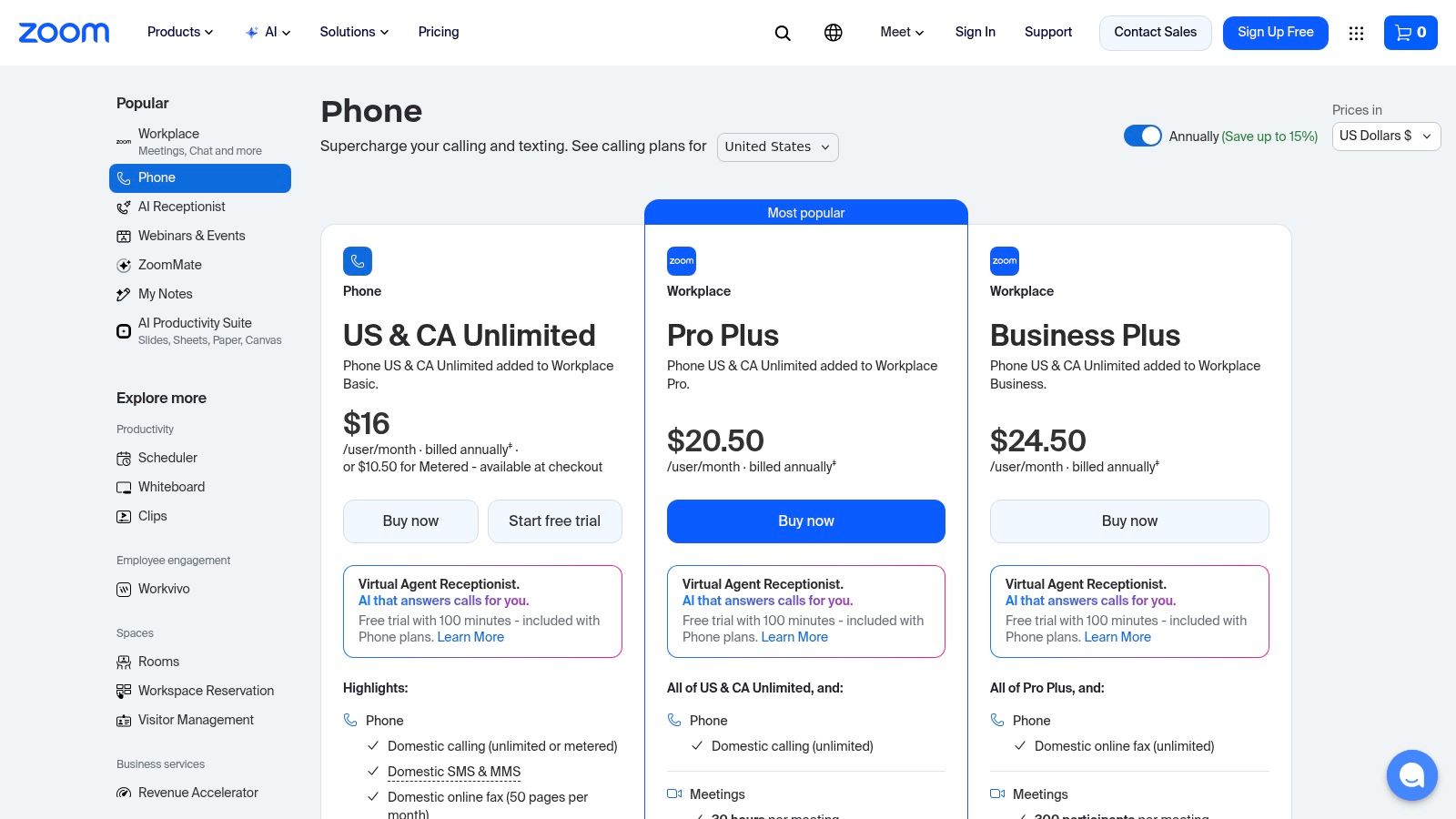
If your clients and staff already live in Zoom meetings, Zoom Phone is the path of least resistance. It adds call recording, call queues, domestic calling and SMS/MMS, and integrations with Salesforce, Slack, Microsoft, and Google. Listed capabilities include post-call summaries and task extraction, which is more than a bare audio archive.
Public pricing gives you a starting point for comparison, though features shift across bundles and add-ons, so the number you budget from may not match the configuration you need. Confirm automatic recording, retention periods, and who can access recordings on the exact plan and account settings you'll run.
The bigger question is format. A post-call summary written for a general business audience isn't necessarily structured PSA-ready documentation with issue, steps, and resolution separated. If you're evaluating how recordings from this phone system feed downstream tools, look at the dedicated Zoom Phone integration path as part of that check. Zoom Phone consolidates communications well. Whether it closes your documentation gap depends on what sits downstream of it.
7. 8×8 Call Recording
8×8 is built around centralized recording policy, which is what a growing service desk needs. Administrators can configure recording at the extension level, turn on company-wide automatic recording, or let users record on-demand. Optional recording announcements cover the disclosure side, and authorized users can review, download, or delete recordings.
That supervisor access cuts both ways. It's exactly what you want when a client disputes what was promised on a call, and exactly what needs governing the rest of the time.
A recording library every supervisor can open is an asset for disputes and a liability for privacy. Set the access list before you set the retention period.
The feature page doesn't publish recording-specific pricing, so you'll need a quote before you can compare costs. Verify storage limits, retention, and transcription availability for the plan you're offered, because those details decide whether recordings survive long enough to be useful. PSA note creation and ticket matching aren't established by the recording page either, so review the call intelligence layer that handles ticket documentation if that handoff is your main requirement.
8. Nextiva
Nextiva sells a broader communications suite, not a recorder. Nextiva combines business call recording with routing, analytics, and customer-experience and contact-center options. If you're replacing voice and client communications together, evaluating them as one purchase can simplify vendor management.
Read the plan tiers carefully. Nextiva separates features across plans, including different AI transcription and summarization allowances on listed tiers. That means the recording mode you want, the transcript volume your desk generates, and the integrations you need may land on different plans, and some AI features carry usage allowances or separate charges.
Work out your monthly call volume before you price it. A service desk that records every support call will burn through a transcription allowance sized for occasional sales calls, and overage math changes the comparison fast. Nextiva isn't a purpose-built MSP PSA documentation system, so the summaries still need a path into your tickets. Judge it as a phone and customer-experience platform first, and only then ask what its recordings do for your service records.
9. Vonage Business Communications
Vonage Business Communications separates its two recording models clearly. On-demand recording is included in certain business phone plans, while company-wide recording is a separate option. Administrators can set rules for inbound and outbound calls, and where it's enabled, users can pause and resume recording, which is useful when a client starts reading out credentials you'd rather not store.
Recording management covers playback, download, and deletion, and call monitoring is available with applicable offerings. For a desk that records selectively, such as escalations and account reviews rather than every call, that split can keep storage and review effort under control.
Watch the add-on structure. Some recording options carry storage or hour limits, and offers and pricing vary by plan and market, so get the terms for your region in writing. And be honest about scope. Vonage records and manages the audio. It doesn't produce PSA-ready ticket summaries, so your technicians still write the note unless something else processes the recording afterward.
10. NiCE CXone
NiCE CXone is a contact-center platform, and it should be evaluated like one. Its packages include recording and compliance capabilities across voice and digital channels, with higher tiers adding screen recording, interaction analytics, and automated summaries, plus workforce and quality-management options. Published tier pricing gives you an initial basis for comparison.
That depth suits a larger MSP service desk with formal quality-management requirements, scheduled QA reviews, and supervisors who score calls against a rubric. Structured oversight of a big team is what the platform is for. A ten-person desk that wants recordings attached to tickets will be paying for machinery it never turns on.
The size question
Two costs grow together here. Per-agent pricing can rise substantially as you move into advanced tiers, and the platform's breadth brings implementation and administration effort that a basic phone-recording tool doesn't. MSP-specific PSA workflows need to be validated with the vendor before you assume call data lands in your ticketing system the way your process requires. I recommend CXone when quality management is the requirement driving the purchase. When ticket documentation is driving it, the fit is weaker.
How the 10 call recording software options compare on recording, AI output, and PSA documentation
A recording is only useful to an MSP if its output reaches the service record in a usable form. The table compares recording options, AI output, and the PSA documentation workflow each review describes. A call summary may still need technician review before it becomes a reliable ticket record.
| Item | Recording modes | AI summaries | PSA ticket documentation | Best fit for MSPs |
|---|---|---|---|---|
| Vight Call Intelligence | Calls are transcribed with speaker identification | Summaries cover the issue, steps taken, and resolution; calls also receive sentiment scores and follow-up flags | Posts structured call notes and time entries to the existing PSA | MSPs seeking automatic call documentation in their existing service workflows |
| RingCentral RingEX | Automatic and on-demand recording | AI summaries are not described in the review | No PSA documentation workflow is described | MSPs evaluating a cloud phone system with recording |
| Dialpad | Call recording with real-time transcription | AI summaries and action items | Real-time transcription and summaries support call review; a PSA documentation workflow is not described | MSPs wanting AI-assisted call review alongside business communications |
| Aircall | Call recording; access varies by plan | AI summaries and conversation topics, with English-language AI Assist | A PSA ticket documentation workflow is not described | MSPs seeking recordings, transcripts, and analytics in a cloud phone platform |
| 3CX | Call recording with configurable permissions | Transcription and summaries through configured AI services | A turnkey PSA documentation workflow is not established | MSPs comfortable managing telephony infrastructure |
| Zoom Phone | Call recording; modes depend on plan and settings | Post-call summaries and task extraction | Summaries are not necessarily PSA-ready | MSPs already using Zoom or consolidating communications |
| 8×8 Call Recording | Company-wide automatic or selective on-demand recording | Transcription is available; review the product and plan details for its scope | PSA note creation or ticket matching is not established | MSPs wanting centralized recording policies and supervisor access |
| Nextiva | Business call recording; availability varies by plan | AI transcription and summarization allowances vary by plan | Not a purpose-built PSA documentation system | MSPs evaluating voice and customer communications together |
| Vonage Business Communications | On-demand and company-wide recording; pause and resume where enabled | AI summaries are not described in the review | Recording alone does not provide PSA-ready summaries | MSPs wanting selective recording or company-wide recording policies |
| NiCE CXone | Contact-center recording and compliance capabilities | Automated summaries are available in higher-level offerings | A specific MSP PSA documentation workflow is not described | Larger MSP service desks needing quality management and oversight |
Choose the Recorder Your Ticket System Can Actually Use
Shortlist two or three options and test them against a real ticket, not a demo script. Take a recorded support call with background noise, an accent your desk hears often, a device model, and an asset tag read aloud. Then check what lands in the ticket. If the summary gets the story right but the asset ID wrong, you've learned more in ten minutes than a feature matrix will tell you in an hour.
Confirm the operational details on the exact plan you're buying. That means recording modes, transcription allowances, retention, export, and who can play, download, or delete a recording. Cloud is now the default architecture, and SNS Insider's 2025 call recording software market analysis estimates cloud solutions represented 61.20% of global market revenue and reports that more than 65% of enterprises use call recording for agent-performance monitoring and customer-service improvement. Useful context, but it doesn't answer your data residency or deletion questions.
Consent is a workflow, not an announcement. A 2025 legal overview of call recording compliance notes that EU and UK organizations need a lawful basis, clear notice, purpose limitation, data minimization, security, and mechanisms for access or deletion, and that financial-services recording obligations may require retention commonly for five years, and up to seven years when requested by regulators. Map what happens when a caller refuses, when a transcript is copied into a PSA, and when a client asks for deletion while the ticket is still needed for contractual reasons.
- Assign a reviewer: Name who checks AI summaries before they become client documentation, especially priority, outage scope, and resolution status.
- Redact by design: Decide how credentials and payment details get kept out of transcripts, summaries, and backups.
- Keep the audio: Preserve the original recording beside the transcript so a disputed detail can be verified, not guessed at.
Start implementation with one queue or one client segment for the first two weeks, review a sample of summaries against the audio daily, fix your consent announcement and retention settings, then expand. That pace catches transcription problems while they're still cheap. The right purchase isn't the tool that records the most. It's the one your ticket system, your reviewers, and your compliance obligations can all use.
If your technicians are still typing up calls they've already recorded, we built our platform to close that gap, transcribing each call with speaker identification and posting the issue, steps taken, resolution, and time entry straight to the PSA ticket you already run. We connect to your existing phone system and PSA without replacing either, and many teams are up and running within a day. Visit Vight to see how your next recorded call could write its own ticket note.
Leave a Reply