
Are you choosing the best MSP software, or asking one product to solve problems that belong in different parts of your stack?
An MSP needs a PSA to manage tickets, contracts, time, and billing. It also needs remote monitoring and management, documentation that preserves client context, and security tools that support its service commitments. Increasingly, teams add an AI layer to turn calls and technician work into usable ticket records without replacing those systems.
Those categories overlap, but they aren't interchangeable. Better ticket summaries won't fix incorrect contract rules, and an RMM migration won't necessarily solve missing time entries.
The products below are grouped by their operational role: dedicated PSAs, combined RMM/PSA platforms, and an AI layer above the PSA and phone system. The numbering isn't an overall ranking. Product descriptions reflect public vendor information, with no invented prices or ratings, and the practical recommendations focus on where each tool fits. Documentation and security remain separate buying decisions, even when a platform includes a knowledge base or offers security integrations.
Table of Contents
- 1. ConnectWise PSA
- 2. Autotask PSA
- 3. HaloPSA
- 4. Syncro
- 5. Atera
- 6. SuperOps
- 7. Vight
- MSP software options at a glance
- How to Choose the Right Stack Before You Buy
1. ConnectWise PSA
Category: Dedicated PSA. ConnectWise PSA connects service delivery with business operations through ticketing, SLA management, resource scheduling, projects, time and expenses, procurement, finance, customer records, and reporting. Feature availability depends on the plan.
Its strongest reason to make a shortlist is operational depth. An MSP with different agreement types, project work, purchasing requirements, and departmental handoffs needs more than a shared ticket queue. Connecting those activities can help staff carry service information through to invoicing.
Test the commercial workflow
Don't evaluate ConnectWise only by how quickly someone creates a ticket. Run a representative agreement through intake, technician assignment, time entry, approval, and billing, including work that falls outside the agreement.
- Strength: Broad PSA coverage connects ticket and project activity with billable time and commercial workflows.
- Trade-off: Configuration and technician training need dedicated ownership. Quote-based pricing also makes initial comparisons harder.
- Integration check: The ConnectWise integration is relevant when you want automated call notes and time entries inside the existing PSA rather than another ticket repository.
I'd shortlist it for an MSP with established processes and someone responsible for maintaining them. For a smaller shop, the question is whether you'll use that depth or spend time administering workflows you don't need.
During evaluation, make technicians complete routine work themselves. An administrator's carefully prepared demonstration won't show whether everyday ticket updates and time capture are practical.
2. Autotask PSA
Category: Dedicated PSA. Say a technician resolves an incident correctly, but the time entry uses the wrong contract treatment. The service desk considers the job finished; the billing team still has work to do.
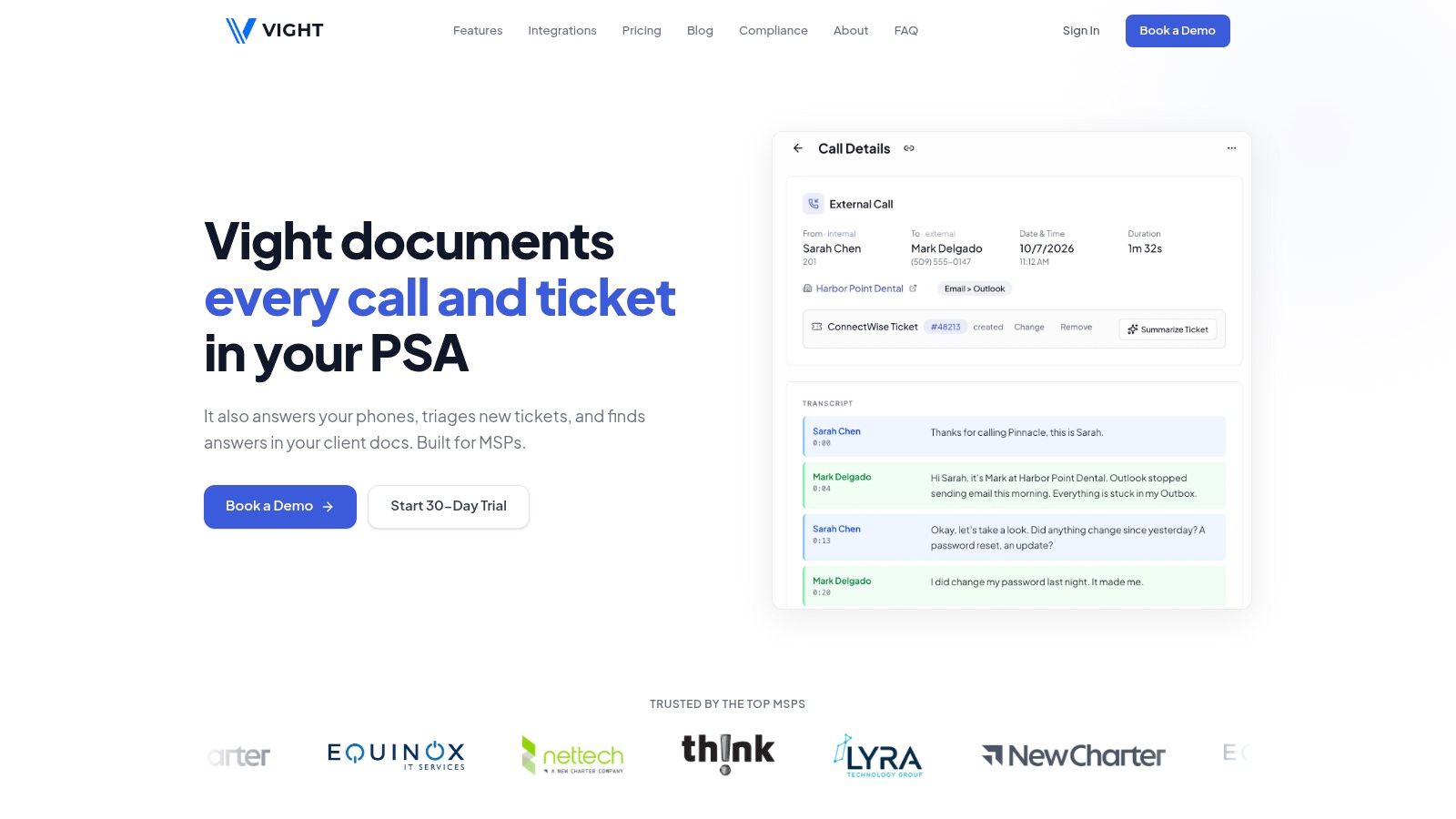
Autotask PSA brings service-desk ticketing, time tracking, contracts, billing, projects, and account management into a shared operational system. It's a reasonable candidate for MSPs seeking a standalone PSA, particularly when Datto or Kaseya products already form part of the stack.
The important distinction is PSA versus RMM. Autotask manages service and business records; endpoint monitoring and management require appropriate products and integrations.
Evaluate the handoff from an endpoint alert to a ticket, then from technician work to the invoice. A connector's existence doesn't prove that the whole workflow works.
For a useful demonstration, ask the vendor to process an incident under a recurring agreement, an out-of-scope request, and a project task. Watch where technicians select contracts, enter time, and explain work that needs commercial review.
Its advantage is the connection between service activity and the terms under which you deliver it. Its trade-off is the implementation effort needed to make those relationships accurate, plus quote-based pricing that requires a scoped commercial discussion.
Don't replace a functioning RMM to make the vendor names match. First establish whether the integration preserves client identity, asset context, ticket status, and error visibility.
Autotask makes sense when you want a PSA-led operating model. It's less suitable as a shortcut to consolidating every endpoint and service-desk function into one purchase.
3. HaloPSA
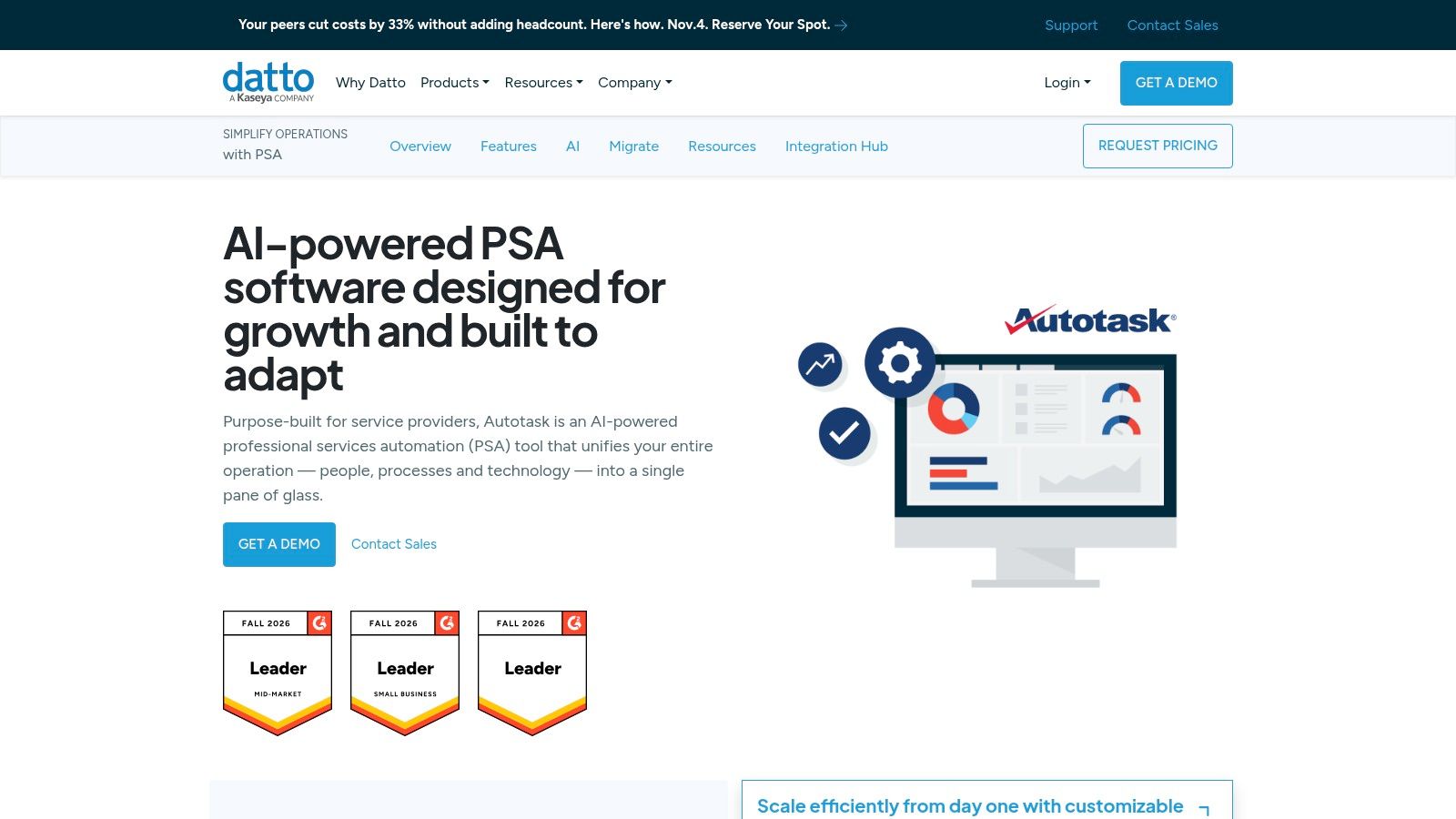
Category: Dedicated PSA. HaloPSA is worth evaluating when you need to configure service workflows around your operation. It covers ticketing, SLAs, contracts, billing, time management, projects, assets, CRM, reporting, and a self-service portal.
That breadth gives you room to connect service and business processes, but it also raises the cost of poor design. Set an owner for configuration and keep custom workflows limited to cases where they solve a clear operational problem.
Configure for the technician
Build the evaluation around your actual queues, escalation rules, agreement types, and approval steps. Follow a ticket from intake through time entry and billing, checking that technicians can complete routine work without navigating unnecessary fields.
- Operational fit: Tickets, contracts, projects, and billing can sit within one service-management system.
- Implementation cost: Flexible workflows require design, testing, documentation, and an internal owner.
- Commercial and data terms: Request current written pricing, implementation scope, and data-handling terms before comparing proposals.
For phone-heavy support, assess the call-to-ticket workflow separately from the PSA. Phone-to-PSA automation can document calls in an existing PSA; check whether the resulting notes, time entries, and customer association fit your process.
A PSA can remain the system of record while phone and AI tools handle intake or documentation around it. The trade-off is another integration to configure and monitor, so test how records are matched and what happens when a handoff fails.
Start with the workflows technicians use most, then add complexity only when it solves a defined need.
4. Syncro
Category: Combined RMM and PSA. Syncro combines endpoint management, remote access, scripting, help-desk tickets, invoicing, payments, and recurring billing. Its per-user pricing model with unlimited endpoints is relevant when your managed device count grows faster than your technician headcount.
The practical attraction is a shared workflow. Technicians can work across endpoint and service-desk functions without your operations team maintaining the same degree of separation between platforms.
That doesn't automatically make migration worthwhile. A combined platform should remove meaningful administrative work, not just reduce the number of browser tabs.
Follow an alert through resolution
Use a noisy endpoint issue as the trial scenario. Check how alerts create or update tickets, how technicians launch remote work, and how the resulting activity reaches billing.
- Budgeting advantage: Per-user licensing with unlimited endpoints makes device growth different from a per-endpoint commercial model.
- Coverage advantage: RMM, PSA, and billing functions sit within the same platform.
- Validation point: Advanced project, procurement, and reporting requirements deserve hands-on testing, as do plan-dependent Microsoft 365 and AI capabilities.
If the main problem is incomplete notes rather than fragmented endpoint management, evaluate AI for MSPs before committing to a broader platform change.
Syncro is a sensible shortlist candidate for small and midsize MSPs seeking consolidated operations. It's a less obvious decision for a team whose existing PSA contains complex agreements and years of customized processes.
Include accounting reconciliation and historical-record access in the migration plan. Moving active tickets is only part of changing your operational system.
5. Atera
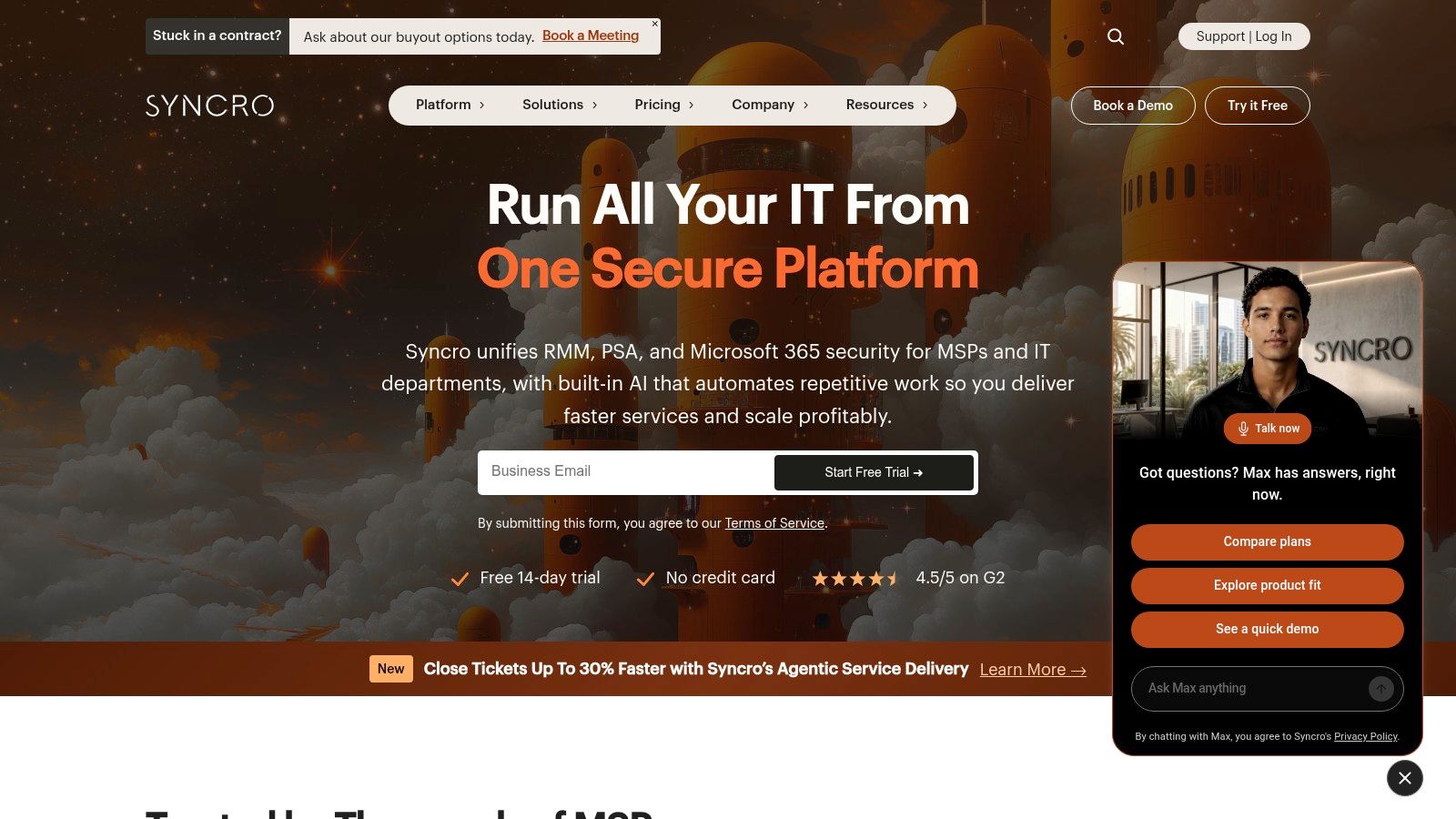
Category: Combined RMM and service-desk platform. Atera's buying proposition starts with its commercial model: per-technician licensing with unlimited endpoints. The Atera MSP pricing page also outlines plan-dependent functionality, so compare the required tier rather than the entry offer alone.
The platform combines remote monitoring, alerting, patching, scripting, ticketing, SLA management, automated time tracking, contracts, invoicing, and an API. It also lists AI Copilot, with capabilities varying by plan.
For an MSP adding devices without adding technicians at the same pace, that licensing structure deserves attention. It doesn't mean every integration, security product, or advanced capability falls within the base subscription.
Buying rule: Unlimited endpoints describes a licensing boundary. It doesn't describe the total cost of delivering your service.
Build the trial around your actual operating-system mix and support obligations. Check patch deployment, failed-patch handling, remote access, customer communication, and the information technicians must enter before closing a ticket.
What works: Consolidating routine endpoint and help-desk work can simplify operations, while published per-technician pricing helps with initial budgeting. What needs scrutiny: Cross-platform support, reporting, integrations, accounting requirements, and add-ons can change which plan you need.
Atera is worth considering when straightforward endpoint operations and technician usability matter more than replicating a highly customized PSA. If your contracts include complicated billing exclusions or procurement workflows, demonstrate those explicitly.
Don't accept a successful patch deployment as proof that the whole platform fits. Your finance team should be able to explain the resulting invoice without reconstructing technician activity.
6. SuperOps
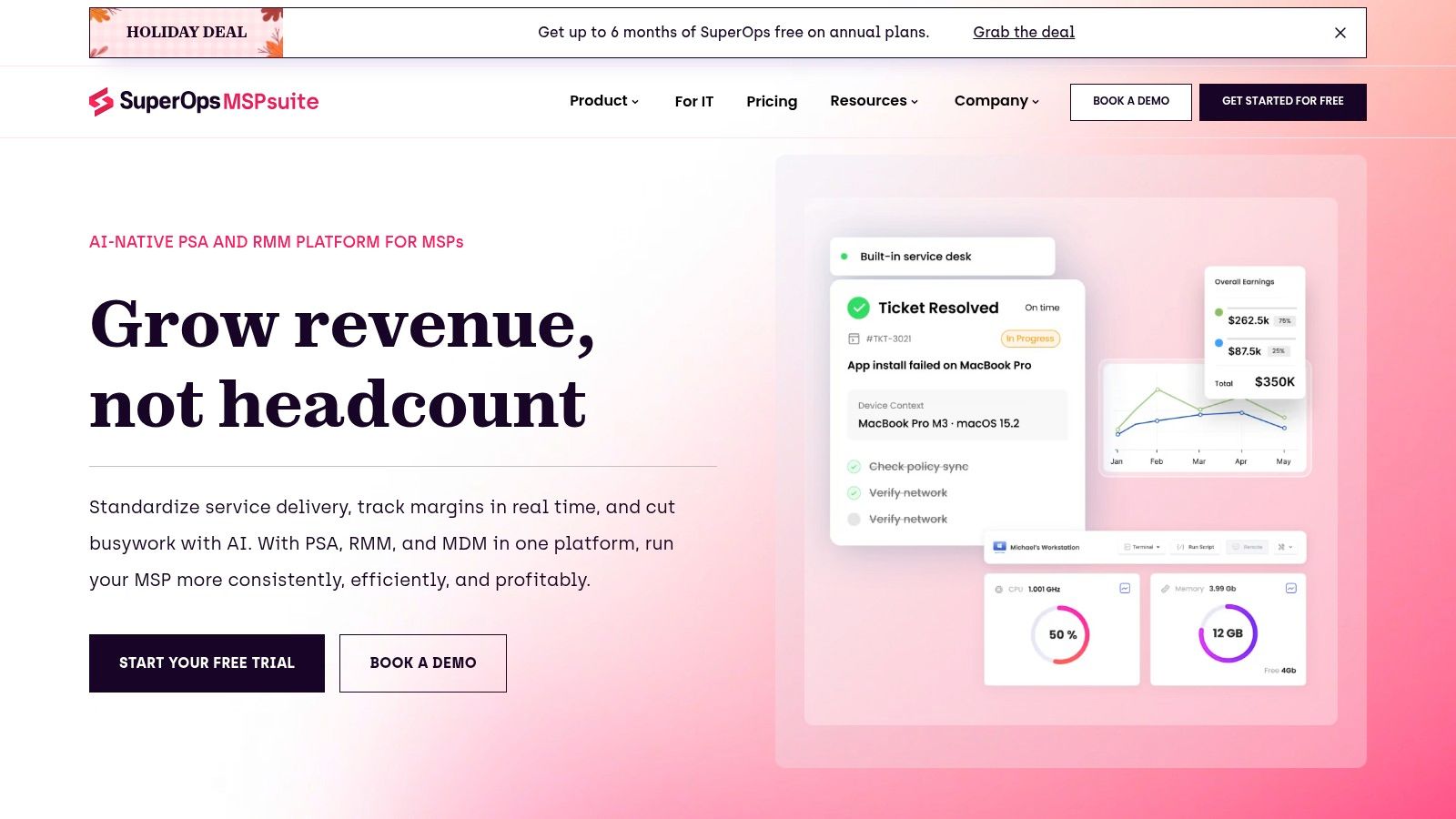
Category: Combined PSA and endpoint management. SuperOps spans service-desk operations, ticketing, SLA management, timesheets, endpoint management, patching, remote troubleshooting, network monitoring, reporting, and a knowledge base. Its AI functions include ticket summarization and worklog assistance, and it lists MCP access.
The appeal is continuity between endpoint work and service delivery. A technician investigating an alert needs device context, client information, previous work, and a place to record the result.
SuperOps combines those operational areas, but buyers should still distinguish native functionality from connected services and confirm what's included in the proposed package.
Model the fleet, not just the team
Unlike per-technician models, endpoint-based pricing makes managed fleet size a direct commercial consideration. Build your cost model around the devices you expect to manage, including less profitable accounts and customers with many lightly used endpoints.
- Strength: A broad combination of service-desk and endpoint functions can reduce separate administrative workflows.
- Onboarding: The vendor lists free onboarding and a free trial. Establish which migration tasks and configuration activities those offers include.
- Trade-off: Quote-based, fleet-dependent pricing requires a detailed proposal rather than a quick comparison of published seat rates.
Test AI-generated worklogs against actual technician actions. A readable summary isn't sufficient if it omits the diagnostic step that explains why the technician changed a configuration.
Also test exports, accounting connections, and your route out of the platform. Those aren't signs that you expect a failed implementation; they're normal controls for business-critical MSP tools.
SuperOps belongs on the shortlist when you want service desk and endpoint operations together. The decision should follow a representative workflow trial and a fleet-based commercial model.
7. Vight
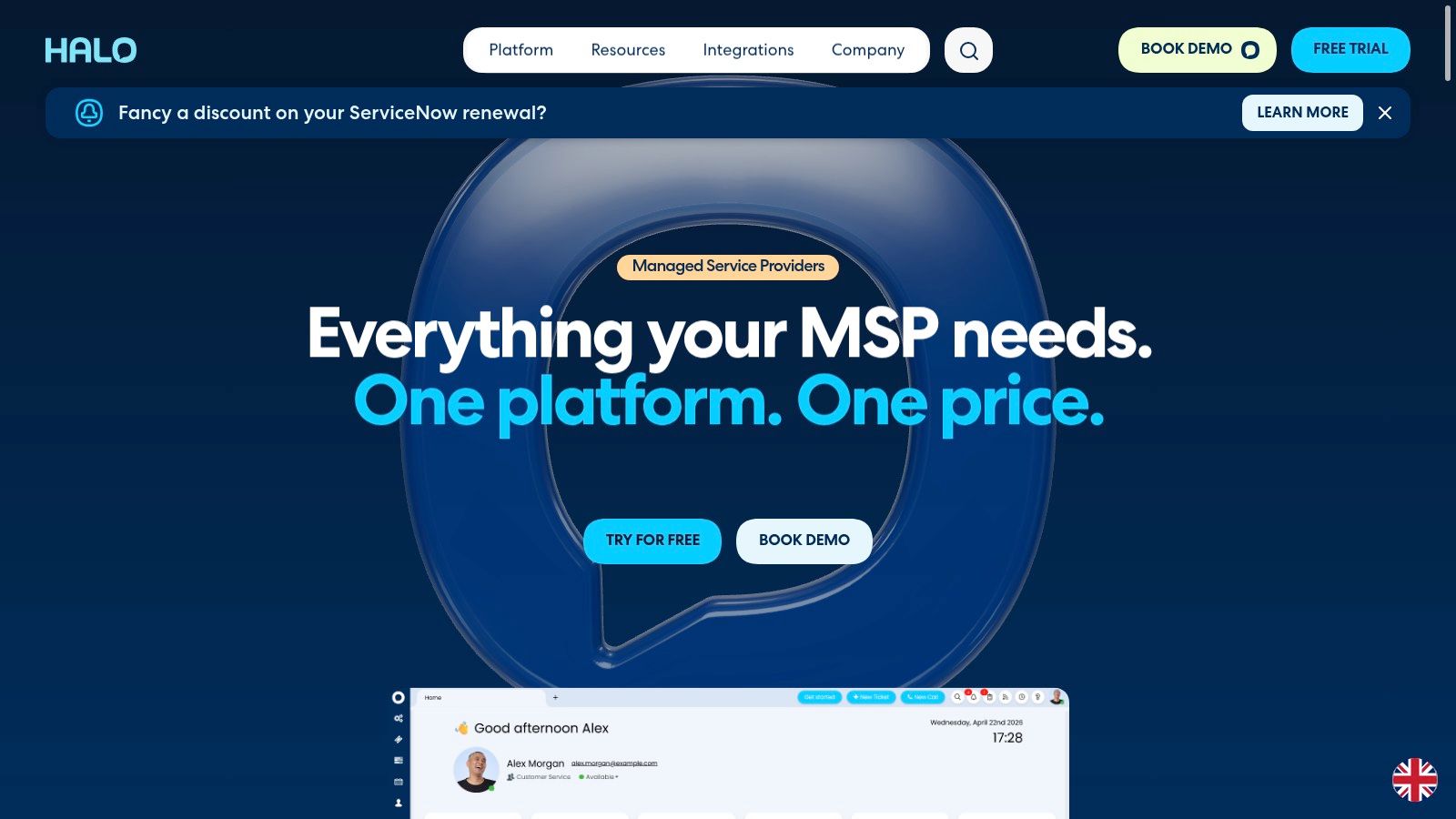
Category: AI layer above the PSA and phone system. Vight turns support calls and work sessions into ticket notes and time entries in ConnectWise, Autotask, HaloPSA, and Syncro. We also triage new tickets and let technicians search call and ticket history.
This is a different purchase from a PSA or RMM. We work alongside the existing PSA rather than replacing its contracts, billing configuration, service boards, or endpoint-management tools.
For a service desk that already likes its core platform, the relevant question is whether missing documentation and incomplete intake justify another platform migration. An AI layer addresses those tasks without requiring you to rebuild the system of record.
Evaluate the resulting ticket
Start with a support call that includes troubleshooting, a change in direction, and an unresolved follow-up. Review whether the resulting note makes clear what the customer reported, what the technician tried, and what someone should do next.
- Documentation test: Compare generated notes and time entries with the conversation or work session. Check customer association, technical accuracy, and whether the record needs correction.
- Intake test: Submit a request without important diagnostic details. Assess whether triage produces a ticket a technician can act on.
- History test: Ask a technician to recover the context of an earlier incident from call and ticket history. Useful retrieval should support the next decision, not merely return more text.
The advantage is reducing separate documentation and intake work while keeping records in the PSA your team already uses. The trade-off is that you still need to validate the output and decide which workflows are appropriate to automate.
Work-session capture also deserves a specific pilot rather than being treated as interchangeable with call documentation. Test routine troubleshooting and interrupted work, because technicians don't always follow a clean sequence.
I'd evaluate this category before replacing a functioning PSA solely to obtain AI features. It won't correct an unsuitable agreement structure or poorly designed service boards, but it addresses a different operational gap.
MSP software options at a glance
These products sit at different layers of an MSP stack, so compare them by role rather than treating the table as a ranked list. PSA tools handle service workflows; RMM and PSA combinations bring endpoint operations into the same product; Vight adds AI features over existing PSA and phone systems.
| Category | Best for | Pricing model | Trial or evaluation path |
|---|---|---|---|
| PSA | MSPs with established processes or complex service agreements | Quote-based | No trial details provided |
| PSA | MSPs seeking a standalone PSA, especially Kaseya or Datto users | Quote-based | No trial details provided |
| PSA | MSPs that want configurable service and business workflows | Single-price model with features included | Structured trial available |
| RMM and PSA | Small and midsize MSPs managing endpoint monitoring and service desk in one system | Per user, with unlimited endpoints | Trial terms not stated |
| IT management with RMM and PSA workflows | MSPs seeking per-technician licensing with unlimited endpoints | Per technician, with unlimited endpoints | No trial details provided |
| MSP management platform | MSPs seeking service desk and endpoint operations in one product | Quote-based, per endpoint | Free trial listed |
| AI operations platform | MSPs reducing documentation and intake overhead while improving phone coverage and ticket context | Usage-based monthly credit pool; no per-seat fees | First month free |
How to Choose the Right Stack Before You Buy
Inventory the stack you already run. Record your PSA, RMM, phone system, documentation platform, security tools, accounting connection, and the person responsible for each integration. Many MSPs evaluating these products already use ConnectWise, Autotask, HaloPSA, or Syncro, so replacement shouldn't be the default.
Pick the PSA around contract and billing complexity first. Then decide whether integrated endpoint management offers enough value to justify changing platforms, or whether you should retain a separate RMM.
Keep documentation and security visible
IT Glue and Hudu belong in the documentation evaluation, alongside any knowledge-base functions included in your PSA. Test client separation, ownership of updates, retrieval, and how technicians reach the right information during a ticket.
Security needs its own coverage map. An RMM's patching capability doesn't replace endpoint detection, managed response, identity protection, or tested recovery, and an integration doesn't mean those services are included.
Ask every vendor the same questions:
- Integrations: What integrations exist today, which fields and actions do they support, and what happens when synchronization fails?
- Total cost: What will the required configuration cost at your current headcount and fleet size, including onboarding and add-ons?
- Trial scope: What does trial access cover, and can your team test representative client workflows?
Integration deserves this scrutiny: 67% of surveyed MSP executives and 58% of technicians rated integration between core MSP applications very important in the Kaseya MSP Benchmark Survey.
Finally, compare an AI layer with migration costs. Vight works alongside the PSA; we offer usage-based pricing through a single monthly credit pool, no per-seat fees, and month-to-month terms. We're SOC 2 compliant, with AES-256 encryption at rest and TLS in transit.
Choose the stack that produces accurate, actionable records with less rework. Measure documentation effort, clarification requests, time-entry corrections, and billing readiness before expanding automation.
We turn support calls and technician work sessions into PSA notes and time entries, triage new tickets, and help technicians search call and ticket history. Visit Vight to evaluate an AI layer alongside your current PSA and phone system before committing to a platform migration.
Leave a Reply